

AI
Summarize this blog post with:
AI Coding Tools · Developer Productivity · Comparison
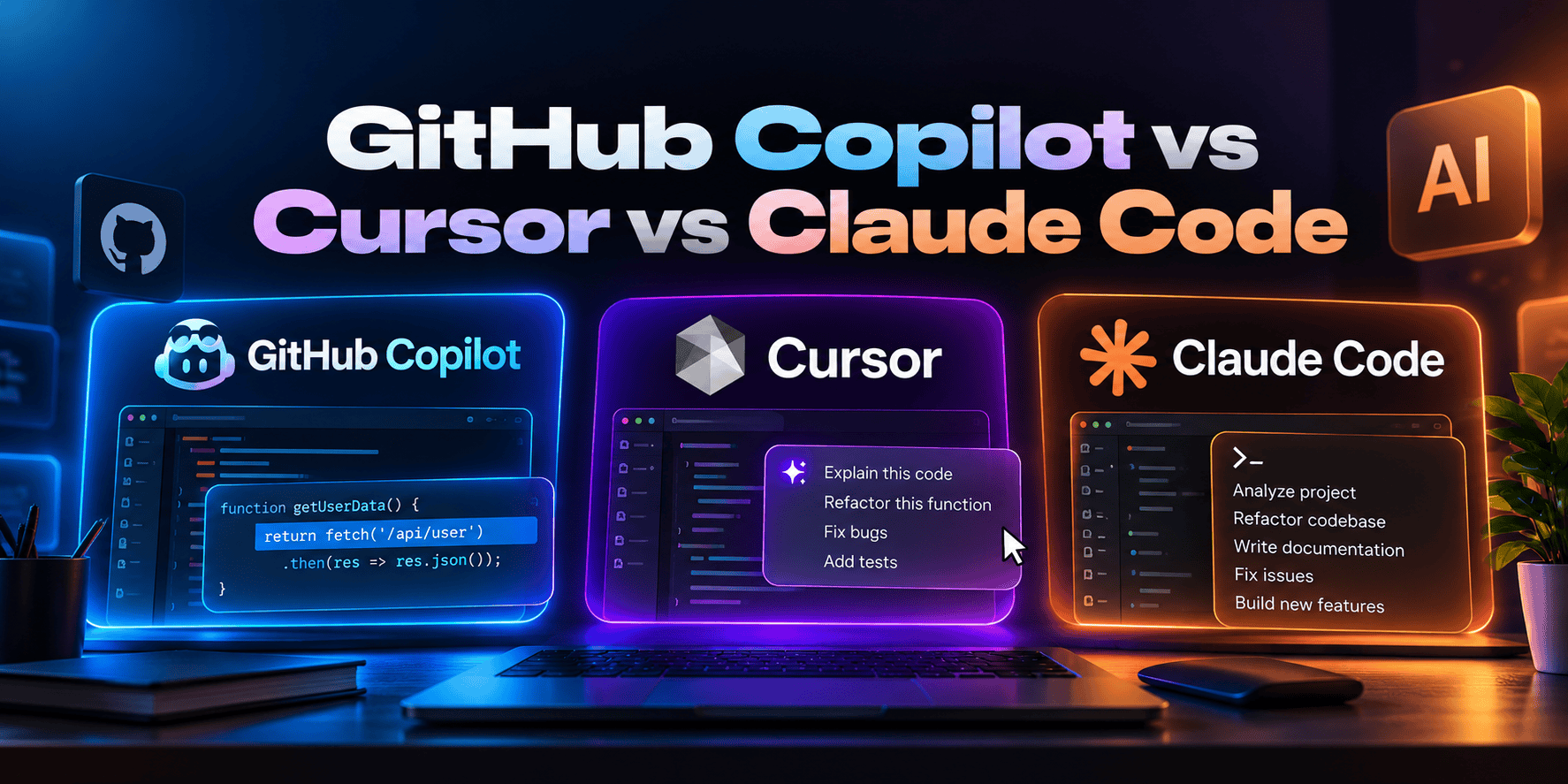
GitHub CopilotvsCursorvsClaude Code
Which AI Coding Tool Actually Makes You Faster?
84% of developers use or plan to use AI tools, but only 29% trust AI output to be accurate. These three tools dominate the conversation, attract over $2 billion in venture investment, and represent three genuinely different ways to integrate AI into your coding workflow. Here is what actually matters when choosing.
Quick verdict: GitHub Copilot wins on price floor ($10/mo) and widest IDE compatibility. Cursor wins for daily in-editor agentic work and multi-file editing. Claude Code wins on autonomous task execution and SWE-bench scores (80.8%). Most senior developers use two tools, and the pragmatic combo is Cursor Pro + Claude Code.
80.8%
Claude Code SWE-bench Verified score (highest available)
1M+
Cursor users, $2B+ ARR reportedly
$10/mo
GitHub Copilot Pro, lowest price for full features
40%
Productivity increase reported by AI-assisted dev teams
Three Tools, Three Architectures, Why This Isn’t Just a Features Comparison
GitHub Copilot, Cursor, and Claude Code look similar on the surface: they all help you write code faster using AI. But they are built on fundamentally different architectures, and that architecture difference shapes everything about how they feel in practice and which developer workflows they are suited for.
GitHub Copilot is an extension. It lives inside your existing IDE and adds AI capabilities on top of your current workflow. Zero migration cost, and it works inside VS Code, JetBrains, Visual Studio, Neovim, and Xcode. The AI is an overlay: your editor is unchanged, and AI assistance is added to it.
Cursor is an IDE. It is a fork of VS Code rebuilt from the ground up around AI integration, not an extension bolted on, but an editor redesigned so that AI is present at every surface: inline completion, Composer for multi-file edits, a codebase-aware chat interface, and AI-native diff review. Switching to Cursor means switching editors.
Claude Code is an agent. It runs in your terminal rather than inside an editor. You give it a task in natural language, and it reads your codebase, plans the implementation, writes changes across multiple files, runs tests, fixes failures, and iterates, often completing a feature or a refactor without requiring you to navigate between files or review each edit manually. The workflow is fundamentally different: you delegate a task rather than accept a suggestion.
The AI Category Has Split Into Three Camps
The “AI coding assistant” category has fractured since 2024. What started as glorified autocomplete has diverged into three genuinely different product categories: AI-native IDEs (Cursor, Windsurf), terminal-first autonomous agents (Claude Code, Codex CLI), and embedded copilots that live inside your existing editor (GitHub Copilot, JetBrains AI Assistant, Amazon Q Developer). This comparison focuses on the three tools that dominate developer conversation, but understanding which camp each tool belongs to is more useful than comparing feature lists, because the right tool depends on which development workflow you are trying to augment.
The Three Tools in Depth
GitHub Copilot
By GitHub / Microsoft · Works in VS Code, JetBrains, Neovim, Visual Studio, Xcode · From $0 to $39/user/month
What makes Copilot different: GitHub Copilot’s defining advantage is breadth of ecosystem integration, not depth of AI capability. It is the only AI coding tool that works natively inside every major IDE without requiring developers to migrate to a new editor: VS Code, JetBrains (IntelliJ, PyCharm, WebStorm, etc.), Visual Studio, Neovim, and Xcode. For engineering teams where developers use different IDEs, Copilot is the only tool that provides a consistent AI experience across all of them under one organizational license and policy.
The features that changed Copilot’s positioning are Agent Mode and Copilot Workspace. Agent Mode allows Copilot to execute multi-step tasks with tool use, running tests, reading files, and iterating on results, rather than only providing inline suggestions. Copilot Workspace enables an end-to-end workflow: from a GitHub issue to a proposed implementation plan to a pull request, all within the GitHub UI. For teams that live in GitHub (issues, PRs, CI/CD), this issue-to-PR workflow is a genuine productivity multiplier that Cursor and Claude Code don’t replicate natively.
Model access: Copilot Pro and above lets you choose the model: Claude Opus 4.6, GPT-4.1, or Gemini 2.5 Pro with extended thinking on Pro+ ($39/month). The ability to switch models mid-session is increasingly useful as different models perform differently on different task types.
Free: 2,000 completions · 50 chat requests
Pro: $10/month · 300 premium requests
Pro+: $39/month · Full agent mode
Business: $19/user/mo · Org controls
Enterprise: $39/user/mo · SSO + fine-tuning
Strengths
- Works in every major IDE, no editor migration
- Lowest price for full features ($10/month Pro)
- Native GitHub PR + Copilot Workspace integration
- Organization-level policy controls (Business/Enterprise)
- IP indemnity on Business and Enterprise plans
- Free tier with 2,000 completions, genuinely usable
- Multi-model choice: Claude Opus 4.6 / GPT-4.1 / Gemini
Limitations
- AI is an overlay on your IDE, not native to it
- Agent mode lags Cursor Composer for multi-file editing
- 300 premium request cap at Pro tier is real in heavy use
- Codebase context less deep than Cursor’s project-wide index
- No terminal-first autonomous agent capability (like Claude Code)
Cursor
By Anysphere · VS Code fork · 1M+ users · $2B+ ARR · From $0 to $200/month
What makes Cursor different: Cursor is not a plugin, it is the editor. The architecture difference matters: because AI is built into every surface of the editor rather than injected via extension API, Cursor can do things that Copilot in VS Code cannot. The Tab completion model (powered by Supermaven, acquired by Cursor) achieves a 72% acceptance rate, meaning developers accept 7 out of 10 suggestions, significantly higher than typical inline completion acceptance rates. Cursor’s project-wide index means the AI has context across your entire codebase, not just the file you are currently editing.
The defining Cursor capability is Composer: a multi-file editing interface where you describe a change and Cursor plans and executes edits across multiple files simultaneously, showing diffs you can review and accept. For refactoring, feature development, and codebase-wide changes, Composer reduces the number of manual steps from dozens to a few reviews and approvals. This makes Cursor the tool of choice for greenfield development and large refactoring sessions where you want to see and control each change rather than delegate to a fully autonomous agent.
The VS Code migration cost: Cursor is a VS Code fork, and almost everything from VS Code works in Cursor (extensions, settings, keybindings). The migration is low-friction for VS Code users. But it is a migration: teams standardized on JetBrains, Visual Studio, or Xcode cannot use Cursor without switching editors, which limits its applicability for polyglot engineering teams.
Free: Limited usage
Pro: $20/month ($16 annual) · 500 premium requests
Pro+: $60/month · Higher usage limits
Business: $40/user/mo · Team features
Strengths
- Composer: best multi-file editing on the market
- 72% Tab completion acceptance rate (Supermaven engine)
- Project-wide codebase index for deep context
- AI-native at every surface, not an overlay
- 1M+ users, most commercially validated AI-native IDE
- Low migration cost from VS Code (same extensions, settings)
Limitations
- Requires switching editors, blocks non-VS-Code teams
- 2x the cost of Copilot Pro for individual developers
- Premium request limits (500/month at Pro) deplete quickly
- No native GitHub issue-to-PR workflow (unlike Copilot Workspace)
- No autonomous terminal agent mode (like Claude Code)
Claude Code
By Anthropic · Terminal-first autonomous agent · 80.8% SWE-bench Verified · Included in Claude Pro ($20/month)
What makes Claude Code different: Claude Code is the only tool on this list with an 80.8% SWE-bench Verified score, the highest of any commercially available coding assistant. SWE-bench measures performance on real GitHub issues from major open-source repositories, requiring context across multiple files, a correct fix, and passing existing tests. That score reflects Claude Code’s capability on complex engineering tasks where the other tools produce more errors or require more human correction. It is a different mode of working entirely: you describe a task in natural language, and Claude Code reads your codebase, plans the implementation, executes changes across files, runs tests, identifies failures, and iterates until the task is complete.
The terminal-first architecture means Claude Code integrates with any editor setup: you run it in a terminal window alongside Cursor, VS Code, or any other editor, and it modifies files that your editor then displays. It is not an either-or choice with your IDE. Most developers who use Claude Code use it alongside an editor, delegating the complex multi-step tasks (adding a feature, fixing a class of bug, or refactoring an API surface) to Claude Code while continuing to use their editor for the work that benefits from inline assistance.
Pricing and access: Claude Code is included in Claude Pro at $20/month, making it the lowest marginal cost addition to any existing developer tool stack. Claude Code Max plans (starting at $100/month) provide higher usage limits for heavy autonomous agent workloads. The overlap with Cursor Pro means a combined Cursor Pro + Claude Pro stack costs $40/month and covers both daily IDE editing (Cursor) and autonomous task execution (Claude Code).
Claude Pro: $20/month · Includes Claude Code access
Claude Code Max 5x: $100/month
Claude Code Max 20x: $200/month
Strengths
- 80.8% SWE-bench Verified, highest autonomous coding score
- Works alongside any editor, no migration required
- Included in Claude Pro ($20/month), lowest marginal cost
- Best for complex multi-file autonomous tasks
- Reads, runs, tests, and iterates without manual file navigation
- Strongest on architecture-level changes across large codebases
Limitations
- Terminal-first, no inline completion in editor
- Different mental model: delegation, not suggestion
- Higher usage depletes quickly at heavy autonomous workloads
- Less IDE integration (no PR workflow, no diff review in editor)
- Learning curve: effective prompting for autonomous tasks differs from chat
Side-by-Side Comparison: Copilot vs Cursor vs Claude Code
Key decision dimensions across pricing, capabilities, IDE compatibility, and best-fit developer workflow.
| Dimension | 🔵 GitHub Copilot | 🟣 Cursor | 🟢 Claude Code |
|---|---|---|---|
| Architecture | IDE Extension (overlay) | AI-Native IDE (VS Code fork) | Terminal Agent (runs beside editor) |
| Starting Price | Free / $10/mo Pro | $20/mo Pro | $20/mo (Claude Pro) |
| SWE-bench Score | High 70s (model dependent) | Model-dependent (matches model) | 80.8%, #1 available |
| IDE Compatibility | VS Code · JetBrains · Neovim · Visual Studio · Xcode | VS Code only (fork) | All (terminal, editor-agnostic) |
| Multi-file Editing | Agent mode (improving) | Composer, best in class | Autonomous (writes across files) |
| Inline Completion | Yes (unlimited at Pro) | 72% acceptance (Supermaven) | No (terminal agent, not editor) |
| Autonomous Agent | Agent mode (limited) | Composer (semi-autonomous) | Full autonomous execution |
| GitHub PR Workflow | Copilot Workspace, native | No native integration | No native integration |
| Team/Enterprise | Business + Enterprise tiers · IP indemnity | Business ($40/user/mo) | Claude for Work plans |
| Model Choice | Claude Opus 4.6 · GPT-4.1 · Gemini 2.5 Pro | Claude · GPT-4.1 · Gemini (switchable) | Claude models (Sonnet/Opus) |
| Context Window | File-level (improving) | Project-wide index | Full codebase read |
| Best For | Teams · multi-IDE · GitHub workflows | Daily editing · VS Code devs · refactoring | Complex tasks · autonomous execution |
Which Tool Is Right for Your Workflow?
The right answer depends on your workflow, team setup, and budget, not a single ranking.
🔵 Choose GitHub Copilot when…
Your team uses multiple IDEs (JetBrains + VS Code + Xcode), you need organization-level policy controls and IP indemnity, you want the lowest-cost entry to AI coding assistance ($10/month Pro), you are embedded in GitHub and want issue-to-PR workflow via Copilot Workspace, or you need a single tool that works across all developer environments without requiring editor migration.
🟣 Choose Cursor when…
You and your team use VS Code and are willing to migrate, daily editing speed and multi-file Composer capabilities are the primary bottleneck, you want the best inline completion acceptance rate (72% via Supermaven), you are doing greenfield development or large refactoring sessions where seeing and controlling file-by-file diffs matters more than autonomous execution, and you want AI integrated at every IDE surface rather than as an overlay.
🟢 Choose Claude Code when…
You need the highest autonomous task completion quality (80.8% SWE-bench), you want to delegate complex multi-file engineering tasks without manually navigating between files, you already pay for Claude Pro ($20/month) and Claude Code is included, you work on tasks that benefit from reading the full codebase and running tests iteratively, or you want the editor-agnostic tool that works alongside your existing setup without any migration.
🔀 The combo most professionals use
Cursor Pro ($20/month) for daily editing: inline completion and Composer for multi-file edits. Claude Pro ($20/month, includes Claude Code) for complex autonomous tasks: adding features, refactoring APIs, debugging across many files. Total: $40/month for the strongest combined AI developer setup. Add GitHub Copilot Business if your team is on GitHub Enterprise and Copilot is already included, since the PR workflow adds value the other two don’t provide.
Frequently Asked Questions
What developers and engineering teams need to know before choosing an AI coding tool.
Building a Development Team or Evaluating AI-Augmented Development Services?
A2Z Dev Center’s development team works with AI-assisted development tools in production, delivering web applications, eCommerce platforms, and custom software faster without sacrificing code quality. If you need development capacity that leverages these tools at $40–$80/hr, let’s talk about what you are building.
Get Free Development Consultation →
Schedule a call
Talk to a subject-matter expert
Web development, SEO, or digital marketing — tell us about your project and we'll get back within one business day. No obligation.
- Free scope & strategy session
- A senior specialist, not a sales rep
- Your details stay confidential