Microsoft Dynamics
Summarize this blog post with:
CRM Migration · Salesforce to Dynamics 365
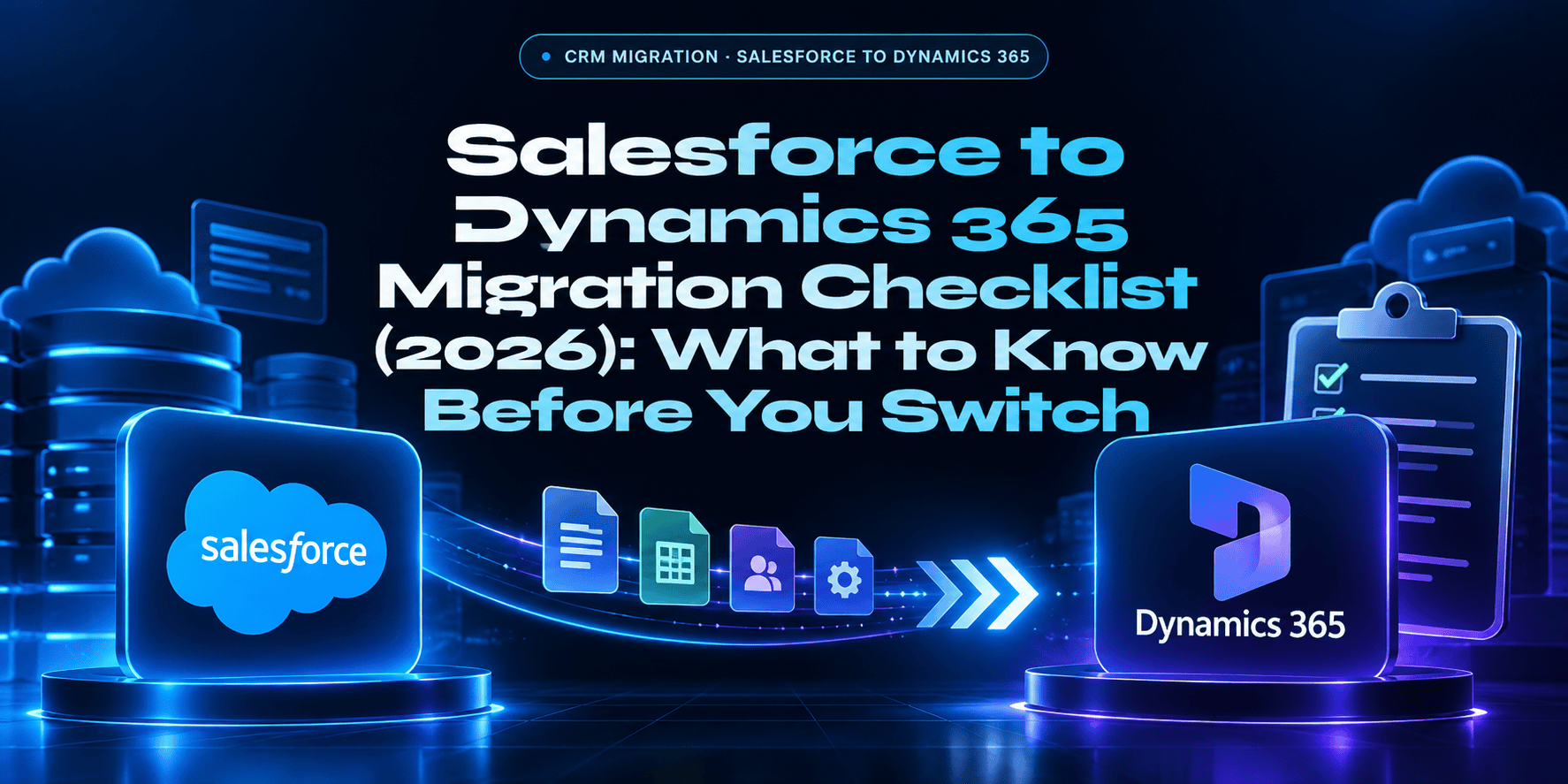
Salesforce to Dynamics 365 Migration Checklist: What to Know Before You Switch
Salesforce Enterprise runs $165/user/month. Dynamics 365 Sales Enterprise runs $105/user/month. For a 500-seat organization, that gap exceeds $360,000/year before add-on cloud costs. But the migration is not a simple export-import, Salesforce Apex code has no direct migration path and must be rebuilt entirely. Here is the complete checklist.
☁️ Salesforce
→
📊 Dynamics 365
$165 → $105
Per user/month: Salesforce Enterprise vs D365 Sales Enterprise
$360K+
Annual savings for 500-seat org at list price
15–30%
CRM cost reduction documented post-migration
215%
ROI within 3 years (industry studies)
Why Organizations Are Migrating from Salesforce to Dynamics 365
Four migration drivers account for most Salesforce-to-Dynamics 365 projects. Understanding which one applies shapes how the project is scoped, timed, and resourced.
1. Licensing Cost Optimization
The most common driver. Salesforce Enterprise Edition runs $165/user/month at list price and frequently escalates with add-on clouds, Service Cloud, Marketing Cloud, Pardot, Tableau, each carrying its own per-user or flat-rate fee that compounds on the base license. Dynamics 365 Sales Enterprise at $105/user/month includes capabilities Salesforce charges separately for, and the modular licensing model with ‘attach’ pricing ($30/user for a second Dynamics 365 module) makes multi-module Dynamics 365 more cost-efficient than equivalent Salesforce multi-cloud configurations. For a 500-seat organization, the $60/user/month gap at list price alone exceeds $360,000/year.
2. Microsoft Stack Consolidation
Organizations already running Microsoft 365, Teams, Power Platform, and Azure find the integration value of native Dynamics 365 increasingly difficult to replicate through Salesforce-to-Microsoft connectors. Copilot AI features, Teams meeting summaries auto-populating CRM records, Outlook email drafts generated from opportunity history, Power Automate flows triggered by Dataverse events, work natively across Dynamics 365 and Microsoft 365 without middleware. The equivalent Salesforce-to-Microsoft integration requires third-party connectors and additional licensing that doesn’t achieve the same depth of integration.
3. Post-Acquisition CRM Unification
When a Microsoft-stack organization acquires a Salesforce-stack company, migrating Salesforce to Dynamics 365 consolidates the CRM layer rather than maintaining two vendor relationships, two integration stacks, and two user training paths. This is the fastest-growing migration driver category as M&A activity in technology and professional services continues.
4. Power Platform Adoption
Organizations that have invested in Power Automate, Power BI, and Power Apps find Microsoft Dataverse (the Dynamics 365 data layer) a more natural fit for their data model than Salesforce, reducing integration complexity across the Microsoft platform. Salesforce’s equivalent (Flow, Einstein Analytics, AppExchange) requires separate licensing and maintenance outside the Microsoft ecosystem a Power Platform investment is already covering.
⚠️ The Technical Reality: Apex Code Cannot Be Migrated, It Must Be Rebuilt
Salesforce instances accumulate years of customization: Apex classes, triggers, scheduled jobs, custom objects, validation rules, custom report types, and AppExchange dependencies. There is no direct migration path for Apex code. Every Apex component must be rebuilt in Dynamics 365 as Power Automate flows (business automation), C# plugins (server-side logic), or JavaScript web resources (UI customization). This is not a line-for-line translation, each component must be evaluated for its business intent and rebuilt using the appropriate Dynamics 365 mechanism. Underestimating custom code complexity is the single most common cause of Salesforce migration delays and cost overruns. Document every Apex component and estimate rebuild effort before committing to a project timeline or fixed-price contract.
Salesforce vs Dynamics 365: Pricing Comparison
Salesforce
$165
/user/month, Enterprise Edition at list
- Essentials: $25/user/month
- Professional: $80/user/month
- Enterprise: $165/user/month
- Unlimited: $330/user/month
- Service Cloud: separate license
- Marketing Cloud: separate license ($1,250+/mo)
- Pardot / Account Engagement: separate
- Tableau: separate license
- Einstein AI: Enterprise+ only + add-on
Dynamics 365
$105
/user/month, Sales Enterprise at list
- Sales Professional: $65/user/month
- Sales Enterprise: $105/user/month
- Sales Premium + Copilot AI: $150/user/month
- Customer Service: $50–$105/user/month
- Customer Insights (Marketing): separate
- Attach pricing: 2nd app $30/user/month
- Copilot AI included in Sales Premium
- Power Platform included at Enterprise tiers
500-seat example: Salesforce Enterprise ($165 x 500 x 12) = $990,000/year | Dynamics 365 Sales Enterprise ($105 x 500 x 12) = $630,000/year | Annual savings: $360,000+ at list price before add-on cloud cost reductions
The 11-Phase Salesforce to Dynamics 365 Migration Checklist
This checklist reflects what certified Dynamics 365 partners and migration specialists document as the complete migration framework. Skipping phases, especially discovery, data cleansing, and parallel testing, is the primary cause of post-go-live issues.
01
Establish Migration Objectives
Before touching any data or configuration, define why you are migrating and what success looks like
Define the primary migration driver (cost, Microsoft stack integration, acquisition, Power Platform) and document measurable success criteria before the project begins. Objectives shape every subsequent decision about scope, timeline, and partner selection.
- Document primary migration driver and executive sponsor
- Define measurable success criteria: cost target, timeline, user adoption rate
- Identify which Salesforce capabilities are mission-critical vs nice-to-have
- Determine Dynamics 365 modules required (Sales, Customer Service, Customer Insights)
- Establish go/no-go decision criteria for each migration phase
02
Audit Salesforce Data, Objects, and Customizations
The most consequential phase, underestimating what exists in the Salesforce org is the #1 cause of cost overruns
Complete inventory of everything in the Salesforce org: standard and custom objects, fields, record volumes, Apex classes and triggers, Process Builder flows, validation rules, AppExchange packages, reports and dashboards, user roles and profiles, and integration dependencies. This phase typically takes 2 to 4 weeks and is never wasted time.
- Export complete list of all standard and custom objects with field counts and record volumes
- Document all Apex classes, triggers, scheduled jobs, line counts and business function
- List all Process Builder flows, Workflow Rules, and Flow automations
- Inventory all AppExchange packages and their dependencies
- Document all third-party integrations connected to Salesforce (APIs, webhooks, ETL tools)
- Export all reports, dashboards, and custom report types
- Document user roles, profiles, permission sets, and sharing rules
- Estimate rebuild effort for each Apex component before committing to timeline
03
Map Salesforce Objects to Dynamics 365 Entities
Data structure mapping, Salesforce and Dynamics 365 use different terminology and data models
Salesforce and Dynamics 365 use different naming conventions and data models. Mapping must be documented field by field for every object being migrated. Common mappings: Salesforce Account to D365 Account; Salesforce Contact to D365 Contact; Salesforce Lead to D365 Lead; Salesforce Opportunity to D365 Opportunity; Salesforce Case to D365 Case (Customer Service). Custom Salesforce objects may map to custom D365 tables in Dataverse or to existing D365 entities with configuration.
- Map all standard Salesforce objects to their Dynamics 365 equivalents
- Document all custom Salesforce objects and determine D365 mapping (custom table or existing entity)
- Map custom fields: data type, required/optional status, picklist values, lookup relationships
- Document relationship mappings (lookup fields, master-detail relationships to D365 relationships)
- Identify fields with no D365 equivalent, decide to create custom fields or archive data
- Create field mapping specification document for validation
04
Data Cleansing and Deduplication
Migrate clean data, not the years of duplicates, stale records, and orphaned data accumulated in Salesforce
Data migration is an opportunity to improve data quality, not just relocate existing problems. Deduplication, archiving of stale records, and data quality rules should be applied to the Salesforce data before extraction. Migrating years of unmanaged data into a new system imports the data management debt into Dynamics 365.
- Run deduplication analysis on Accounts, Contacts, and Leads, resolve before migration
- Archive inactive records (Accounts with no activity in 3+ years) rather than migrating them
- Standardize data formats: phone numbers, addresses, date fields, picklist values
- Validate required field coverage across all records to be migrated
- Document data quality rules that will be enforced in Dynamics 365 going forward
- Decide which historical transaction data to migrate in full vs archive in read-only Salesforce access
05
Document All Integrations and Dependencies
Every system connected to Salesforce must be reconnected to Dynamics 365, or replaced
Systems integrated with Salesforce (marketing automation, ERP, billing, customer support, data enrichment tools) must either be reconnected to Dynamics 365 via new connectors or replaced with Dynamics 365 equivalents or Power Platform integrations. Document every integration before migration begins.
- Document all systems currently integrated with Salesforce (APIs, webhooks, ETL jobs)
- For each integration: determine whether to reconnect to D365, replace with D365 native capability, or retire
- Identify integrations that require new connectors, custom development, or Power Automate flows
- Check AppExchange replacement options, many AppExchange apps have Dynamics 365 / AppSource equivalents
- Plan Dynamics 365 connector licensing (Power Automate premium connectors where required)
- Document timeline dependencies: integrations that must go live before or concurrent with CRM cutover
06
Rebuild Custom Code: Apex to Dynamics 365
The most technically complex phase, no direct migration path exists for Salesforce Apex
Every Apex component documented in Phase 02 must be rebuilt in Dynamics 365 using the appropriate mechanism. This is not a migration, it is a rebuild. Each component must be re-evaluated for business intent and implemented in the closest Dynamics 365 equivalent. Allow adequate time: most migrations underestimate this phase by 30 to 50%.
- Rebuild business automation (formerly Apex triggers / Process Builder) as Power Automate flows
- Rebuild complex server-side business logic (Apex classes) as C# plugins registered in Dataverse
- Rebuild client-side UI customizations as JavaScript web resources or PCF (Power Apps Component Framework) controls
- Rebuild scheduled batch jobs as Power Automate scheduled flows or Azure Functions
- Rebuild validation rules as Dynamics 365 Business Rules or Power Automate conditions
- Test each rebuilt component against documented Salesforce behavior before proceeding
- Document all rebuilt components with D365 equivalents for post-migration support
07
Map Security Roles and Permissions
Salesforce and Dynamics 365 use different security models, mapping is not 1:1
Salesforce and Dynamics 365 use different security architectures. Salesforce uses Profiles, Permission Sets, and Sharing Rules. Dynamics 365 uses Security Roles, Business Units, Teams, and Field-Level Security. The mapping is not 1:1 and requires deliberate design, particularly for organizations with complex Salesforce sharing rules or territory-based access control.
- Document all Salesforce Profiles and their associated permissions
- Document all Salesforce Permission Sets and their assigned users
- Document Sharing Rules, Organization-Wide Defaults, and Territory Management
- Design D365 Security Role structure (least-privilege principle)
- Map Salesforce territory hierarchies to D365 Business Unit hierarchies
- Design D365 Team-based sharing where Salesforce used Sharing Rules
- Plan Field-Level Security for sensitive fields (financial data, PII)
08
Select Migration Tools and Build the Migration Plan
Choose ETL tooling and build the detailed migration plan with milestones and owners
Select the appropriate data migration tooling based on data volume and transformation complexity, then build a detailed migration plan with phase milestones, owners, and pass/fail quality gates. Quality gates between phases are non-negotiable, a phase that fails its gate gets fixed before the next phase starts.
- Select ETL / migration tool (see data migration tools section below)
- Build extraction scripts for Salesforce data, test against full data volume before migration runs
- Define transformation rules for data moving between Salesforce and D365 data models
- Build load scripts for Dynamics 365 / Dataverse, test in sandbox environment first
- Define migration batches and sequencing (parent records before child records)
- Create detailed project plan with milestones, owners, and phase completion criteria
- Define rollback plan: what happens if migration fails after cutover begins
09
Configure Dynamics 365 and Run Parallel Testing
Configure the D365 environment and run Salesforce and Dynamics 365 simultaneously before cutover
Configure the Dynamics 365 environment (entities, fields, forms, views, dashboards, automations, security roles) and run a parallel operation period, both Salesforce and Dynamics 365 running simultaneously with the same data, before committing to cutover. The parallel period catches issues that UAT does not and should not be shortened to accelerate go-live.
- Configure D365 entities, fields, forms, and views per the Phase 03 mapping specification
- Configure security roles and business unit structure per Phase 07 design
- Deploy rebuilt automations (Power Automate flows, C# plugins) to D365 sandbox
- Run full User Acceptance Testing (UAT) against documented Salesforce behavior
- Execute data migration to D365 staging environment, validate record counts and relationships
- Run parallel operation period (minimum 4 weeks recommended), same data in both systems
- Document and resolve discrepancies found during parallel operation
- Obtain sign-off from all business unit owners before cutover date is confirmed
10
Cutover and Go-Live
Final data migration, Salesforce decommission plan, and go-live support window
Execute the final data migration, disable Salesforce write access (or full access), and go live on Dynamics 365. Plan a go-live support window of 2 to 4 weeks with elevated partner support availability, the first month of production use invariably surfaces issues that parallel testing did not catch.
- Execute final data migration (delta migration from parallel period cutover point)
- Validate record counts and relationship integrity in production D365 environment
- Disable Salesforce write access for all users (read-only access for historical reference)
- Enable Dynamics 365 production environment for all users
- Execute go-live communications and user access provisioning
- Deploy go-live support team (elevated partner availability for first 2 weeks)
- Monitor adoption metrics: login rates, record creation, pipeline activity in first 30 days
11
Post-Migration Optimization and Salesforce Decommission
Optimize, measure ROI, and formally close the Salesforce contract
The migration is not complete at go-live. The 60 to 90 days post-cutover are critical for adoption support, process optimization in the new environment, and formal Salesforce contract termination at the appropriate renewal date. Document lessons learned and measure against the success criteria from Phase 01.
- Deliver user adoption training: Dynamics 365 workflow, reporting, and mobile app
- Enable Dynamics 365 Copilot AI features: Teams meeting summaries, Outlook email drafting
- Connect Power BI to Dynamics 365 data for management reporting migration
- Measure adoption metrics at 30, 60, and 90 days post-go-live
- Optimize automations and configurations based on production user feedback
- Archive historical Salesforce data in read-only format (or export to secure storage)
- Terminate Salesforce contract at next renewal date, document renewal date early to avoid auto-renewal
- Measure cost savings against Phase 01 objectives at 6 and 12 months post-migration
Data Migration Tools for Salesforce to Dynamics 365
The right tool depends on data volume, transformation complexity, and whether ongoing bidirectional sync is required during the parallel operation period.
KingswaySoft SSIS
The most widely used migration tool for complex Salesforce-to-D365 data moves. Native connectors for both platforms, designed specifically for Dynamics 365 data migration. Best for high-volume, complex transformation requirements.
Boomi
Enterprise iPaaS supporting bidirectional Salesforce/Dynamics 365 integration. Commonly used for data sync during parallel operation periods where both systems must remain in sync before cutover.
Celigo
Mid-market iPaaS with pre-built Salesforce-to-Dynamics 365 migration templates. Good option for mid-sized organizations with moderate data complexity and limited ETL engineering resources.
Power Platform Dataflows
Microsoft’s native data migration option via Power Query. Suitable for simpler data profiles with standard object mapping and lower transformation complexity. No additional licensing required beyond Dynamics 365.
Salesforce to Dynamics 365 Migration, Frequently Asked Questions
What organizations planning a Salesforce-to-Dynamics 365 migration need to know.
Planning a Salesforce to Dynamics 365 Migration?
A2Z Dev Center helps mid-market organizations migrate from Salesforce to Dynamics 365, including Salesforce org audits, Apex code rebuild assessment, data migration planning, and full Dynamics 365 configuration and go-live support. At $40–$80/hr for Dynamics 365 implementation, data migration, and Microsoft 365 integration. We provide the honest assessment of migration complexity before the project is scoped.
Get Free Migration Assessment →
Schedule a call
Talk to a subject-matter expert
Web development, SEO, or digital marketing — tell us about your project and we'll get back within one business day. No obligation.
- Free scope & strategy session
- A senior specialist, not a sales rep
- Your details stay confidential