Microsoft Dynamics
Summarize this blog post with:
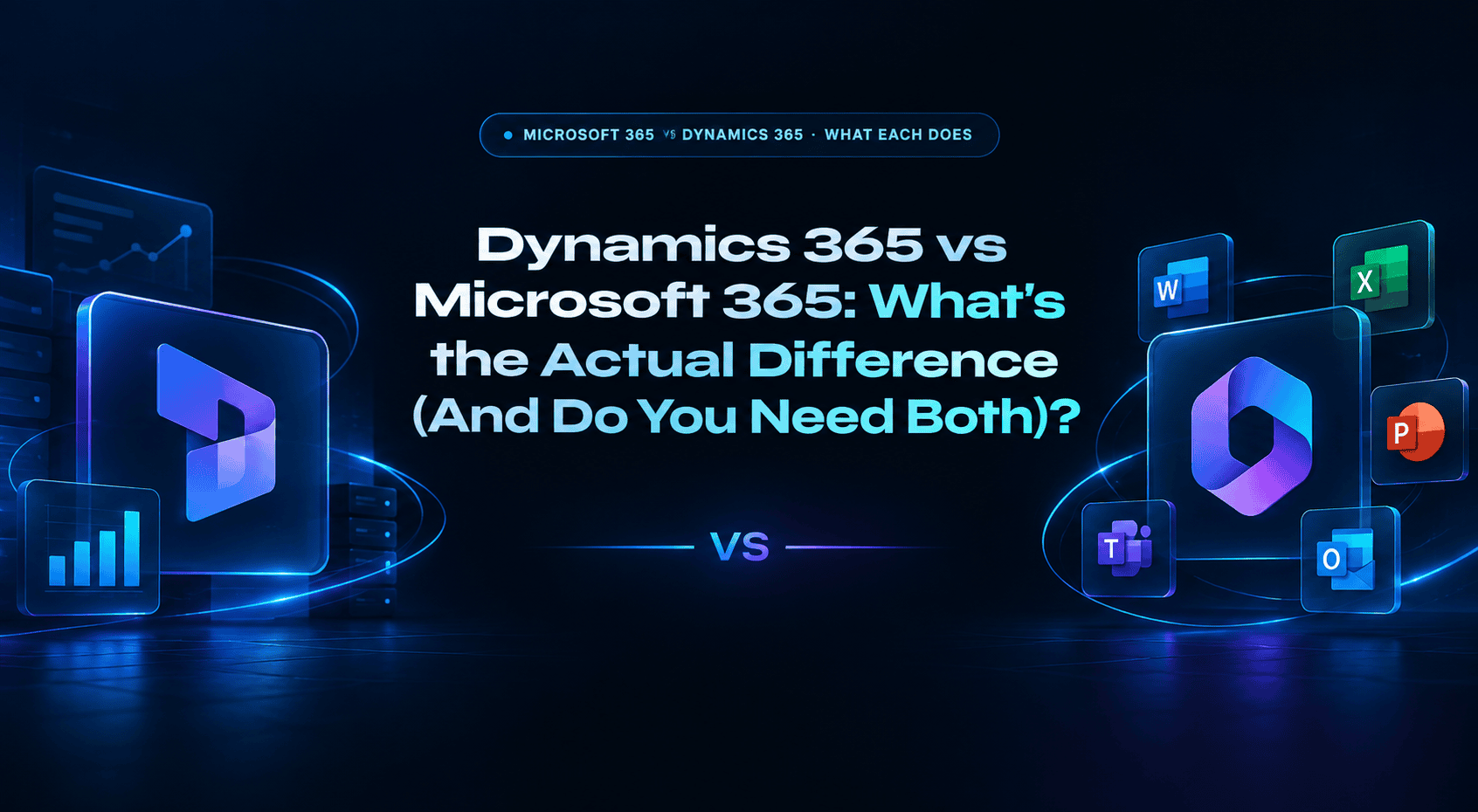
Microsoft 365 vs Dynamics 365 · What Each Does
Dynamics 365VSMicrosoft 365
What’s the Actual Difference (And Do You Need Both)?
Microsoft 365 is the productivity platform where your team works. Dynamics 365 is the business applications platform where your business operates. They are completely different products that happen to share the Microsoft brand, and together they form one of the most powerful integrated business platforms available.
One-sentence answer: Microsoft 365 is Word, Excel, Teams, and Outlook, where people work. Dynamics 365 is CRM, ERP, Field Service, and Finance, where the business runs. Most businesses that use Dynamics 365 also use Microsoft 365, because Copilot AI connects them into one integrated system. They are not alternatives to each other.
$6/mo
Microsoft 365 Business Basic per user per month
$65/mo
Dynamics 365 Sales Professional per user per month
$70/mo
D365 Business Central Essentials per user per month
56
Countries with native Dynamics 365 statutory compliance
Why People Confuse These Two Products
Microsoft has a branding problem: it sells two major product families that both carry “Microsoft” in the name, both run in the cloud, and both require subscriptions billed per user per month. The confusion is understandable, especially because many organizations buy both products from the same Microsoft partner or reseller under the same enterprise agreement.
The simple framing: Microsoft 365 is infrastructure for your people, the tools they use to communicate, collaborate, and work. Dynamics 365 is infrastructure for your business, the systems that manage customers, operations, finances, and service delivery. A company without Microsoft 365 would have no email, no file sharing, no video meetings. A company without Dynamics 365 might manage customers in spreadsheets, track sales in a shared inbox, and do accounting in QuickBooks. Both create pain when absent; they create different kinds of pain.
💡 The Integration Story: Why Most Dynamics 365 Customers Also Need Microsoft 365
Dynamics 365 Copilot AI generates meeting summaries from Teams calls and auto-populates CRM opportunity records. Dynamics 365 Sales tracks emails from Outlook and connects them to contact records automatically. SharePoint stores documents linked to Dynamics 365 records. Power BI reports combine data from both platforms. This cross-platform integration, enabled by Copilot AI, is one of Dynamics 365’s strongest competitive advantages over Salesforce. It only exists if both Microsoft 365 and Dynamics 365 are in use simultaneously.
Dynamics 365 and Microsoft 365 in Depth
Dynamics 365
CRM + ERP platform · Business applications · $8 to $180/user/month · Modular, buy only the apps you need
What it is: Dynamics 365 is Microsoft’s family of business applications covering CRM (customer relationship management) and ERP (enterprise resource planning). It is not one product, it is a suite of individual applications that share a common data layer (Microsoft Dataverse), integrate natively with Microsoft 365, and are licensed separately. You buy the specific apps your business needs.
The CRM side: Sales (pipeline management, lead tracking, opportunity scoring), Customer Service (case management, service tickets, omnichannel support), Marketing / Customer Insights (email marketing, journey orchestration, AI-powered segmentation), and Field Service (mobile workforce dispatching, work order management, IoT integration).
The ERP side: Business Central (mid-market all-in-one ERP for 50 to 500 employees covering finance, inventory, supply chain, and manufacturing), Finance (enterprise financial management), Supply Chain Management (enterprise operations and warehouse management), and Human Resources (HR management at enterprise scale).
Copilot AI: Every Dynamics 365 application includes Microsoft Copilot AI, the feature that summarizes Teams meetings into CRM records, drafts Outlook follow-up emails based on CRM history, and autonomously qualifies leads before rep involvement. Included in Sales Premium ($150/user/month) and most other premium tiers.
CRM Applications
- Sales Professional / Enterprise / Premium
- Customer Service Professional / Enterprise
- Customer Insights (Marketing + Journeys)
- Field Service + Remote Assist
ERP Applications
- Business Central (mid-market ERP)
- Finance (enterprise)
- Supply Chain Management (enterprise)
- Human Resources + Project Operations
$65
Sales Professional /user/month
$70
Business Central Essentials /user/mo
$150
Sales Premium (full Copilot AI)
Microsoft 365
Productivity platform · Email, collaboration, documents, video meetings · $6 to $22/user/month · What replaced Office 365
What it is: Microsoft 365 (formerly Office 365) is the subscription that gives employees access to the Microsoft productivity suite: Word, Excel, PowerPoint, OneNote, Access, Publisher (desktop apps), plus Exchange Online (email), Teams (video meetings and messaging), SharePoint (document management and intranet), OneDrive (cloud storage), and Microsoft Forms, Planner, Stream, and Whiteboard. It is everything that enables employees to communicate, collaborate, and create content.
What it is not: Microsoft 365 has no CRM, no sales pipeline management, no ERP, no inventory management, no customer service ticketing, no financial management beyond what you can build in Excel. If you are using Teams as a CRM (tracking customer conversations in Teams channels), you are using a collaboration tool as a CRM substitute, which works until your business needs proper lead tracking, forecasting, or contact history.
Microsoft 365 Copilot: Microsoft 365 also has a Copilot AI layer, separate from Dynamics 365 Copilot, that drafts emails, summarizes documents, generates PowerPoint slides, and analyzes Excel data. Microsoft 365 Copilot requires an add-on license ($30/user/month) on top of a qualifying Microsoft 365 subscription. This is distinct from Dynamics 365 Copilot, which is embedded in CRM/ERP workflows.
Core Apps
- Word · Excel · PowerPoint · OneNote
- Outlook (email) + Exchange Online
- Teams (meetings + messaging)
- SharePoint + OneDrive (documents)
Additional Services
- Defender (security)
- Intune (device management)
- Power Platform (low-code)
- Copilot AI add-on ($30/user/mo)
$6
Business Basic (cloud apps only)
$12.50
Business Standard (+ desktop apps)
$22
Business Premium (+ security/device mgmt)
Dynamics 365 vs Microsoft 365: Side-by-Side
The clearest way to understand what each product covers, and where they overlap.
| Capability | 📊 Dynamics 365 | 💼 Microsoft 365 |
|---|---|---|
| Purpose | Business operations (CRM + ERP) | Employee productivity (email + documents + meetings) |
| Starting Price | $65/user/month (Sales Professional) | $6/user/month (Business Basic) |
| Sales Pipeline / CRM | Yes, Sales module (core capability) | No (Teams is not a CRM) |
| ERP / Finance | Yes, Business Central, Finance, SCM | No (Excel is not an ERP) |
| Email (Outlook) | Integrates with Outlook (read + write) | Yes, Outlook is included |
| Video Meetings | Integrates with Teams (Copilot summaries) | Yes, Teams is included |
| Document Storage | Links records to SharePoint documents | Yes, SharePoint + OneDrive included |
| AI (Copilot) | Copilot in CRM/ERP (included in premium tiers) | Copilot add-on: $30/user/month additional |
| Marketing Automation | Customer Insights (Dynamics 365 Marketing) | No |
| Customer Service Ticketing | Customer Service module | No |
| Field Service | Field Service module | No |
| Do Most Users Need Both? | Yes, Microsoft 365 is the work environment; Dynamics 365 runs on top of it | |
Who Needs What
Four common business scenarios and which Microsoft products apply.
💼 Microsoft 365 only
A 10-person professional services firm needs email, Teams meetings, SharePoint document sharing, and cloud storage. They manage clients in a spreadsheet and have no formal sales pipeline, a lightweight CRM like HubSpot would fit them better than Dynamics 365. They need Microsoft 365 ($6 to $22/user/month), not Dynamics 365. Adding Dynamics 365 would be over-engineered for their current scale and process maturity.
📊 Dynamics 365 + Microsoft 365
A 75-person manufacturing business needs ERP (inventory, purchasing, production) + CRM (sales pipeline) + Microsoft 365 (email, Teams, SharePoint), typically implemented with a certified implementation partner. They implement Business Central ($70/user/month) and Sales Professional ($65/user/month) alongside Microsoft 365 Business Standard ($12.50/user/month). Copilot connects all three: Teams meetings auto-populate CRM, Outlook emails link to customer records, Excel connects to Business Central data.
🏢 Business Central for QuickBooks replacements
A 100-person distributor has outgrown QuickBooks, which can’t handle multi-location inventory, purchase order approvals, or customer-specific pricing. They implement Dynamics 365 Business Central Essentials ($70/user/month) and integrate it with their existing Microsoft 365 subscription. Business Central replaces QuickBooks and connects to Excel, Outlook, Teams, and Power BI natively without additional middleware.
🤖 Copilot makes both better together
A 200-person sales organization has Microsoft 365 and Dynamics 365 Sales Enterprise. They upgrade sales reps to Sales Premium ($150/user/month) for Dynamics 365 Copilot: Teams calls automatically generate CRM notes, Outlook follow-ups draft from opportunity history, a Sales Qualification Agent pre-researches inbound leads. None of these Copilot capabilities work without both Microsoft 365 (Teams, Outlook) and Dynamics 365 (the CRM data) running simultaneously.
Frequently Asked Questions
What buyers evaluating Microsoft’s product portfolio need to know.
What is the difference between Dynamics 365 and Microsoft 365?
Microsoft 365 is the productivity platform: Word, Excel, PowerPoint, Teams, Outlook, SharePoint, OneDrive. It is where employees communicate and collaborate. Microsoft 365 Business Basic starts at $6/user/month. It has no CRM, ERP, or business operations capability. Dynamics 365 is the business applications platform: CRM (Sales, Customer Service, Marketing, Field Service) and ERP (Business Central, Finance, Supply Chain). It is where businesses manage customers, revenue, operations, and service delivery. Dynamics 365 Sales Professional starts at $65/user/month. They are complementary, not competing: most organizations use both, with Microsoft 365 as the work environment and Dynamics 365 running business operations on top of it. They are not alternatives to each other, so choosing Dynamics 365 doesn’t mean not using Microsoft 365.
Do I need both Dynamics 365 and Microsoft 365?
Most businesses that implement Dynamics 365 also use Microsoft 365, because the integration between them is a major part of Dynamics 365’s value. Copilot generates CRM notes from Teams calls. Dynamics 365 Sales connects Outlook emails to contact records. SharePoint stores documents linked to CRM accounts. Power BI combines data from both. If you have Microsoft 365 and are considering adding Dynamics 365, the integration benefits are real and add measurable value. If you are a small business using Microsoft 365 and need basic CRM, you don’t necessarily need Dynamics 365, since lighter CRM options (HubSpot Starter, Pipedrive) integrate with Microsoft 365 at lower cost. Dynamics 365 becomes the right choice when you need enterprise-grade CRM with deep Microsoft ecosystem integration, or when ERP (Finance, Business Central) is the primary requirement.
How much does Dynamics 365 cost?
Dynamics 365 pricing by application: Sales Professional ($65/user/mo), Sales Enterprise ($105/user/mo), Sales Premium with Copilot AI ($150/user/mo). Customer Service Professional ($50/user/mo), Enterprise ($105/user/mo). Business Central Essentials ($70/user/mo, finance, supply chain, inventory), Business Central Premium ($100/user/mo, adds manufacturing + service management). Finance ($180/user/mo), Supply Chain Management ($180/user/mo). Team Members read-only ($8/user/mo). Bundling discount: second Dynamics 365 app is $30/user/month (‘attach’ pricing). Implementation costs: Business Central simple financial rollout from $30,000; mid-market Business Central $75,000 to $300,000; enterprise Finance + SCM $300,000 to $1.5M+. Additional Microsoft costs (Azure, Power BI Premium, Power Automate) often add 30 to 50% to total Microsoft ecosystem cost.
What is Dynamics 365 Copilot and how does it work with Microsoft 365?
Dynamics 365 Copilot is Microsoft’s AI layer embedded in CRM and ERP workflows, designed to work natively with Microsoft 365 tools. In the sales workflow: Copilot generates CRM meeting summaries from Teams calls automatically. In Outlook, Copilot drafts follow-up emails based on the CRM history of the contact. A Sales Qualification Agent researches and pre-qualifies inbound leads before rep involvement. In Business Central, Copilot suggests journal entries, automates bank reconciliation, and generates purchase recommendations from inventory data. Copilot is included in Sales Premium ($150/user/mo) and most Dynamics 365 premium tiers. The cross-platform AI (Teams meeting summaries into CRM, Outlook email drafts from CRM history) is the most commercially significant Dynamics 365 differentiator against Salesforce, and it requires both Microsoft 365 and Dynamics 365 to work.
What is Dynamics 365 Business Central and who is it for?
Business Central is Microsoft’s mid-market ERP, for businesses with 50 to 500 employees that have outgrown QuickBooks, Sage 50, or Xero. Essentials ($70/user/mo) covers financial management, supply chain, inventory, project management, and CRM. Premium ($100/user/mo) adds manufacturing (BOMs, production orders, capacity planning) and service management. Businesses choose Business Central when: they’re on Microsoft 365 and want ERP that integrates natively (Excel, Outlook, Teams, Power BI); they need more than QuickBooks offers (multi-location inventory, PO approvals, customer-specific pricing); or they want an ERP with 56-country statutory compliance built in rather than through third-party add-ons. Typical implementations: $75,000 to $300,000. A2Z Dev Center provides Business Central implementation guidance at $40 to $80/hr for mid-market businesses evaluating ERP options.
Evaluating Dynamics 365 or Planning a Business Central Implementation?
A2Z Dev Center helps mid-market businesses implement and integrate Microsoft Dynamics 365, whether you are evaluating which Dynamics 365 modules match your requirements, planning a Business Central implementation to replace QuickBooks, or integrating Dynamics 365 Sales with your website and marketing stack. At $40–$80/hr for Dynamics 365 implementation and integration consulting.
Get Free Dynamics 365 Consultation →Related reading: Dynamics 365 license types and per-user costs.
Schedule a call
Talk to a subject-matter expert
Web development, SEO, or digital marketing — tell us about your project and we'll get back within one business day. No obligation.
- Free scope & strategy session
- A senior specialist, not a sales rep
- Your details stay confidential