
Shopify
Summarize this blog post with:
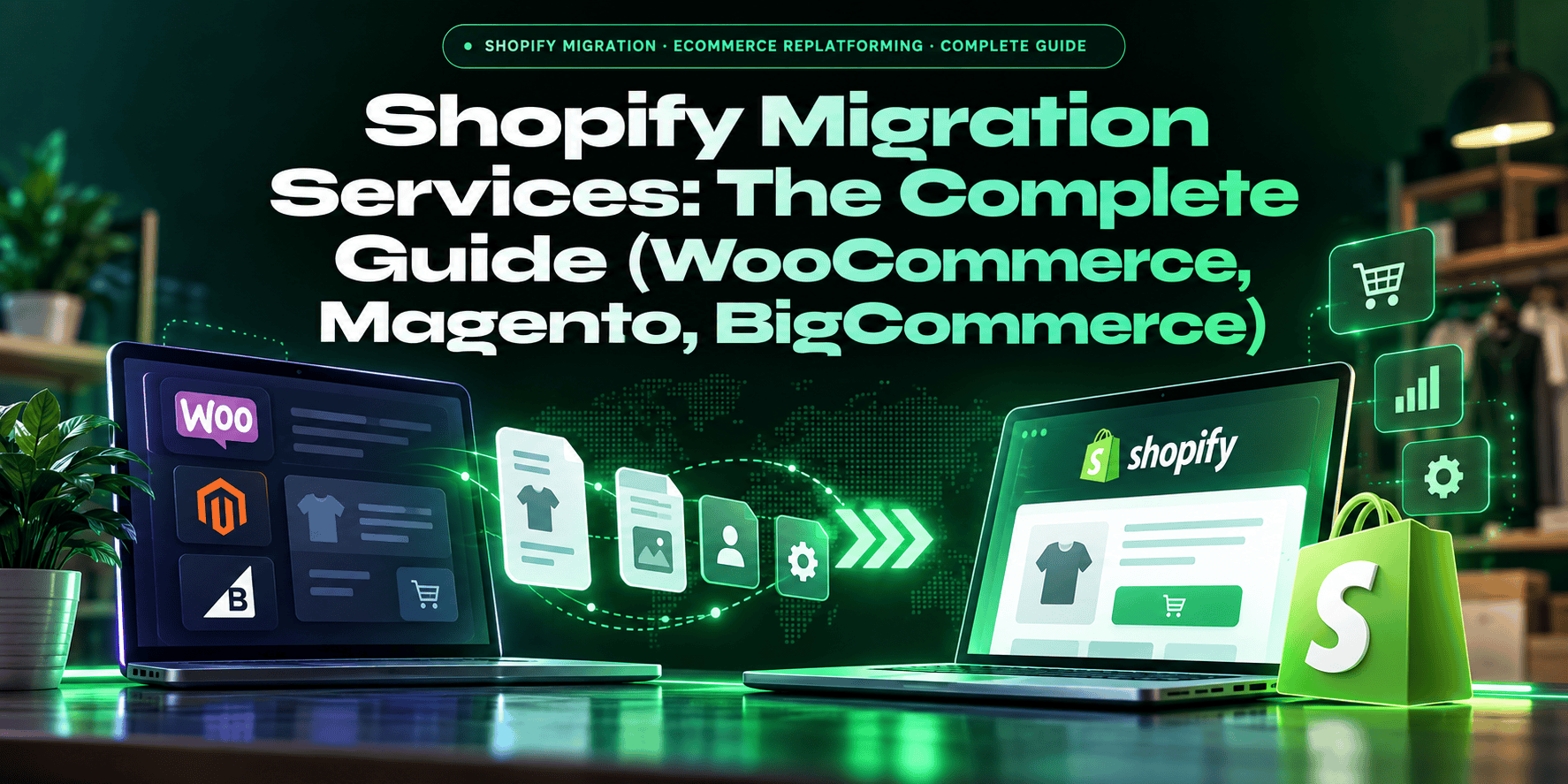
Shopify Migration · eCommerce Replatforming · Complete Guide
Shopify Migration Services: Cost, Timeline and SEO Guide
Typical migration costs run from a few hundred dollars for a DIY tool move to $600,000 or more for an enterprise replatform from Salesforce Commerce Cloud. The data transfer is the easy part. What breaks is everything around it: customer logins, SEO rankings, abandoned cart flows, and integrations. Here is the real playbook.
6-24 wks
Migration timeline range by platform and complexity
$500-$600K
Cost range from DIY tool to enterprise replatform
#1 risk
Missing 301 redirects, not data transfer
0%
Customer passwords that transfer (customers reset or use a sign-in code)
Why Businesses Are Migrating to Shopify
Three shifts are pushing more merchants toward Shopify right now. First, WooCommerce running costs: stores with real order volume often pay roughly $100 to $400 a month for managed hosting (WP Engine, Kinsta, Cloudways), plus security, backup and caching tools, plus a developer on call when a plugin update breaks something. Shopify’s hosted platform removes most of that maintenance work.
Second, BigCommerce’s pricing change: since June 1, BigCommerce charges an Open Payment Provider Fee on orders settled through gateways outside its approved list of embedded providers (such as Stripe, PayPal Braintree and Adyen). The fee is 2% of eligible order value on Core, 1% on Growth and 0.6% on Scale. Merchants on a non-approved gateway now have a concrete cost case for moving. Shopify adds no extra transaction fee when you use Shopify Payments, though third-party gateways still carry one, so check your own gateway mix before assuming savings.
Third, Shopify B2B on standard plans: since April 2, Shopify offers company profiles, up to three custom catalogs, volume pricing, quantity rules and payment terms on Basic, Grow and Advanced, not only Plus. Plus still adds unlimited catalogs, deposits and partial payments, and deeper automation. B2B merchants who assumed they needed Shopify Plus (from about $2,300 a month) should re-check what they actually need.
Migration Costs by Platform and Store Size
Migration cost is determined primarily by custom feature complexity, not data volume. A 50,000-SKU store with a standard product catalog migrates more cheaply than a 500-SKU store with complex custom pricing logic, multi-warehouse integration, and a custom checkout flow. Here are typical cost ranges by platform and tier. Treat them as planning ranges, not quotes.
WooCommerce to Shopify
$5,000-$75,000
Timeline: 6-14 weeks
Most accessible migration. Standard stores (<500 SKUs, no ERP): $5,000 to $15,000 in 2 to 6 weeks. Mid-complexity (500 to 5,000 SKUs, custom design, 1 to 3 integrations): $15,000 to $75,000 in 8 to 16 weeks. Primary complexity driver: custom WooCommerce plugins with no Shopify native equivalent that must be rebuilt as Shopify apps.
Magento to Shopify
$30,000-$250,000
Timeline: 12-20 weeks
Most technically complex migration in the mid-market. Magento stores typically have complex tiered pricing rules, EAV attribute structures, custom Magento 2 modules, and multi-store configurations. The one non-negotiable feature to identify day one: anything Magento provides natively that Shopify Plus cannot replicate without a custom app adds significant scope and cost.
BigCommerce to Shopify
$15,000-$100,000
Timeline: 8-16 weeks
Mid-complexity migration. BigCommerce and Shopify have similar data models, making the data migration more straightforward. The variant limit mismatch is a common issue: Shopify supports up to 3 option types and 2,048 variants per product (Shopify changelog), so BigCommerce products with a fourth option or more combinations need restructuring. The Open Payment Provider Fee can make the ROI case easier to quantify for merchants on non-approved gateways.
Salesforce Commerce Cloud to Shopify Plus
$150,000-$600,000+
Timeline: 16-24 weeks
Enterprise-level replatform. SFCC’s promotion engine and cartridge logic are the most complex elements to rebuild in Shopify Plus. These migrations require a dedicated project team, extensive parallel testing, and careful management of the post-migration support load. Most enterprises migrating from SFCC are moving for a combination of licensing cost reduction and developer pool access.
⚠️ The Hidden Cost Nobody Publishes
Integration failure is the primary driver of Shopify migration cost overruns. ERP, OMS, 3PL, tax engine, PIM, and loyalty program integrations that connect to your current platform must be reconnected to Shopify, often with different API structures, new middleware, or custom development. Identify every mission-critical integration on day one of the project scope, not after development has started. Migrating a store with 8,000 SKUs and a standard catalog takes weeks. Migrating the same store’s Netsuite ERP integration, custom tax calculation logic, and loyalty points system takes months.
What Transfers, and What Doesn’t
Every migration agency has an incentive to tell you the migration is simpler than it is. Here is the honest breakdown of what moves and what doesn’t.
| Data Type | Transfers? | Notes |
|---|---|---|
| Products (titles, descriptions, SKUs, prices) | Yes | Via CSV or migration tool. Images re-upload via API for quality. Variants capped at 3 options / 2,048 per product in Shopify. |
| Customer profiles (name, email, address) | Yes | Customer records transfer with order history, address book, and account details. |
| Customer passwords | No | Password hashes cannot be moved across platforms. Customers set a new password, or sign in with an emailed one-time code if you use Shopify’s new customer accounts. |
| Order history | Partial | Imported as archived historical records, not active orders. Often assigned new order numbers. Customers can view history but orders are not re-fulfillable. |
| Inventory levels | Yes | Final inventory sync should happen as close to cutover as possible to minimize discrepancy. |
| Product reviews | Partial | Requires a third-party review app (Yotpo, Judge.me, Okendo) and custom import scripts. Not a native Shopify migration capability. |
| Blog content | Partial | Text content transfers. Platform-specific metadata, formatting, and WordPress shortcodes require cleanup after migration. |
| Custom theme design | No | No theme transfers across platforms. Shopify themes are written in Liquid, and PHP (WooCommerce), PHTML (Magento) and other templates have no direct equivalent. Every Shopify migration is also a theme rebuild. |
| Plugin/extension functionality | No | WooCommerce plugins, Magento extensions, BigCommerce apps do not migrate. Shopify equivalents must be identified in the App Store or custom built. |
| Gift card balances / loyalty points | No | Require custom migration scripts and depend on whether the loyalty/gift card provider has a Shopify integration. Plan this explicitly, customers notice missing balances immediately. |
| URL structure (301 redirects) | Partial | URLs change between platforms. Old URLs must be 301 redirected to new Shopify URLs manually or via bulk import. Missing this step is the #1 SEO risk in any migration. |
The 8-Step Shopify Migration Process
01
Pre-Migration Audit & Scope Definition
Crawl the current site and export every URL with organic traffic or backlinks (Screaming Frog, Ahrefs). Inventory all plugins, extensions, and custom functionality. Document every third-party integration (ERP, OMS, 3PL, tax, loyalty). Identify the one non-negotiable feature your business cannot function without, determine if Shopify has a native equivalent or if custom development is required. This phase shapes most of the project cost. Skipping it is the most expensive mistake in ecommerce migrations.
02
Build the URL Redirect Map
Create a spreadsheet mapping every current platform URL to its new Shopify equivalent. Product URLs, category/collection URLs, blog post URLs, brand pages, and any other crawled pages with traffic. This spreadsheet is the foundation of your SEO protection strategy. Assign someone with SEO accountability to own this document before development begins, not after launch.
03
Set Up Shopify Store & Configure Settings
Create the Shopify or Shopify Plus account. Configure store settings: payment gateways, shipping zones and rates, tax rules, checkout settings, email notifications. Install and configure the apps that will replace current platform functionality. Identify any custom app development needed for features with no Shopify native or App Store equivalent.
04
Migrate Product and Customer Data
Run the data migration using the appropriate tool (Matrixify for large stores, LitExtension for multi-platform, or custom scripts for complex transformations). Migrate products first, validate SKUs, variants, inventory, and image quality. Migrate customers with order history. Validate record counts against source platform before proceeding. Shopify’s variant limit (3 options, 2,048 variants per product) must be resolved before migration if the source store exceeds it.
05
Build the Shopify Theme
Your current platform’s theme does not transfer. Use the Shopify migration as the opportunity to build a conversion-optimized theme rather than recreating the old design exactly. Treating the rebuild as a chance to improve usually pays off more than copying the old design pixel for pixel. Shopify’s Dawn theme (free, performance-optimized) is a strong starting point for most migrations. Custom themes require Liquid development.
06
Upload 301 Redirects
Using the URL redirect map from Step 02, upload all redirects via Shopify’s bulk redirect import tool (Shopify redirect guide) (Online Store > Navigation > URL Redirects > Import). Verify every redirect is resolving correctly, test a random sample of product URLs, collection URLs, and blog URLs. Do this before touching DNS. Missing or incorrect redirects discovered after DNS cutover are significantly more disruptive and costly to fix under traffic.
07
Test, Test, Test
Test the complete purchase flow end to end: product search, add to cart, checkout with each payment method, confirmation email, and order management. Test on mobile (iOS Safari, Android Chrome) and desktop. Test keyboard navigation and screen reader accessibility. Test all integrations: ERP sync, loyalty point display, tax calculation, shipping rate calculation. Use a staging password to prevent the store from going public during testing.
08
DNS Cutover, Launch, and Post-Launch Monitoring
Schedule cutover for a low-traffic period (Tuesday 2 AM is a common choice). Update DNS to point to Shopify. Remove the staging password. Submit the new XML sitemap to Google Search Console immediately. Monitor Google Search Console for crawl errors weekly for 60 days post-launch. Expect a spike in support tickets in the first two weeks, customers who cannot log in (because passwords don’t transfer) will contact support. Have the password reset flow and a pre-written customer email ready before launch day.
SEO Protection: The #1 Migration Risk
The single biggest risk to organic search rankings during a Shopify migration is broken or missing 301 redirects, not the data migration itself. If your old platform URLs don’t redirect to the correct new Shopify URLs, Google loses the link equity and ranking signals built up over years on those pages. A store that spent three years building domain authority can see significant ranking drops in the weeks after a migration if redirects are incomplete.
Google’s site move guidance says the same: map every old URL to its new equivalent with a permanent redirect, and keep those redirects live for at least a year. Additional SEO considerations beyond redirects: preserve H1 tags and meta descriptions in the new theme; maintain product URL handles as closely as the new platform allows; ensure the new Shopify theme’s Core Web Vitals performance matches or exceeds the previous platform (Shopify’s CDN often improves speed for stores migrating from self-hosted WooCommerce); and set up Google Search Console verification on the new store before cutover so you have baseline crawl data from day one.
✅ How to Choose a Shopify Migration Partner
Three questions to ask every agency before signing: (1) Can you show me a migration you’ve done at similar store size and complexity to mine, and connect me with that client? (2) What is your process for identifying features that have no native Shopify equivalent, and what happens when you find one mid-project? (3) Who owns SEO continuity on your team, and can you show me how you’ve handled URL redirect mapping on a previous project? An agency that hedges on any of these three questions should not get the project.
Related Shopify Services and Guides
If you are planning a move, our Shopify development service covers migration, theme builds and integrations, and our ecommerce development service helps with platform selection. Coming from another platform? See our WooCommerce development company and Magento development services pages, compare the top Shopify development companies, and protect your traffic with our guides to Shopify SEO mistakes and ecommerce SEO.
Frequently Asked Questions
What store owners need to know before starting a Shopify migration project.
How long does a Shopify migration take?
Most Shopify migrations take 6 to 24 weeks, depending on the source platform and how many integrations you have. Typical ranges: WooCommerce to Shopify takes 6 to 14 weeks (simple stores can finish in 2 to 6), BigCommerce 8 to 16 weeks, Magento 12 to 20 weeks, and Salesforce Commerce Cloud to Shopify Plus 16 to 24 weeks. Squeezing a normal schedule usually raises the cost because of rush development and shorter testing. Pick your DNS cutover date first, then plan backward from it.
How much does a Shopify migration cost?
A DIY move with a migration app costs roughly $300 to $2,000 in tool fees for a small, standard store. Agency projects usually fall into tiers: under 500 SKUs with a standard design and no ERP runs about $5,000 to $15,000; 500 to 5,000 SKUs with custom design and a few integrations runs about $15,000 to $75,000; 5,000+ SKUs with ERP, OMS or 3PL integrations runs about $75,000 to $250,000; and enterprise moves from Magento or Salesforce Commerce Cloud can reach $150,000 to $600,000 or more. These are planning ranges, not quotes. Custom features and integrations drive the price far more than data volume does.
Do customer passwords transfer during a Shopify migration?
No. Password hashes cannot be moved between platforms, so customers have to set a new password. If your store uses Shopify’s new customer accounts, they can instead sign in with a one-time code sent to their email. Customer profiles, addresses and order history can still be imported. Email customers before launch to explain the change, and have a password reset message ready for launch day so support does not get flooded.
How do I protect my SEO rankings during a Shopify migration?
Build a redirect map that covers every old URL with traffic or backlinks, then import it as 301 redirects in Shopify before you switch DNS. Keep page titles, H1s, meta descriptions and URL handles as close to the originals as the new theme allows, submit the new sitemap to Google Search Console on launch day, and check for crawl errors weekly for the first 60 days. Google recommends keeping site-move redirects in place for at least a year.
What data does not transfer during a Shopify migration?
Themes, plugin or extension functionality, gift card balances and loyalty points do not transfer on their own. Product reviews need a review app and an import script. Order history comes across as archived records rather than active orders, and old URLs only keep their rankings if you set up 301 redirects. Plan for each of these in the project scope, not after launch.
How do I choose the best Shopify migration company in the USA?
Ask three questions. Can they show a migration at your store size and complexity, and connect you with that client? How do they handle a feature that has no Shopify equivalent once they find it mid-project? Who owns SEO continuity and redirect mapping on their team? A company that hedges on any of these should not get the project. You can start with our list of top Shopify development companies in the USA or talk to our Shopify development service team about your migration.
Should I move to Shopify from WooCommerce, Magento or BigCommerce?
It depends on what hurts today. WooCommerce stores often move to cut hosting, plugin and maintenance work. Magento stores move to lower licensing and developer costs, as long as their custom logic can be rebuilt with apps. BigCommerce stores usually move for fee, app or ecosystem reasons. Our comparison guides on Shopify vs WooCommerce and Magento vs Shopify Plus can help you decide.
Do I need Shopify Plus to migrate?
No. Most WooCommerce and BigCommerce merchants start on a standard Shopify plan. Plus makes sense for high order volume, checkout customization, multiple stores or advanced automation. Shopify also added core B2B features such as company profiles, volume pricing and payment terms to standard plans, so check what you actually need before paying for Plus. Our guide to the top Shopify Plus development companies covers enterprise options.
Will my store go down during a Shopify migration?
It should not. You build and test the new store behind a storefront password while the old store keeps selling. The cutover itself is a DNS change that typically takes effect within hours. Schedule it for a low-traffic window, run a final inventory and order sync just before the switch, and keep the old store available in read-only mode for a short time as a safety net.
Will my product variants fit in Shopify?
Shopify allows up to 3 product options and up to 2,048 variants per product. Products with a fourth option, or with more combinations than that, have to be restructured before import, for example by splitting them into separate products. Check this during the pre-migration audit, since it changes your data mapping.
Planning a Shopify Migration from WooCommerce, Magento, or BigCommerce?
A2Z Dev Center provides full-service Shopify migration and development, data migration, theme development in Liquid, app integration, 301 redirect mapping, SEO continuity, and post-launch support. We have migrated stores from WooCommerce, Magento, BigCommerce, and custom platforms to Shopify and Shopify Plus. At $40 to $80 per hour for Shopify migration services including project scoping, development, and QA.
Get Free Migration Scoping →
Schedule a call
Talk to a subject-matter expert
Web development, SEO, or digital marketing — tell us about your project and we'll get back within one business day. No obligation.
- Free scope & strategy session
- A senior specialist, not a sales rep
- Your details stay confidential