
Microsoft Dynamics
Summarize this blog post with:
CRM Implementation · Failure Reasons · How to Avoid
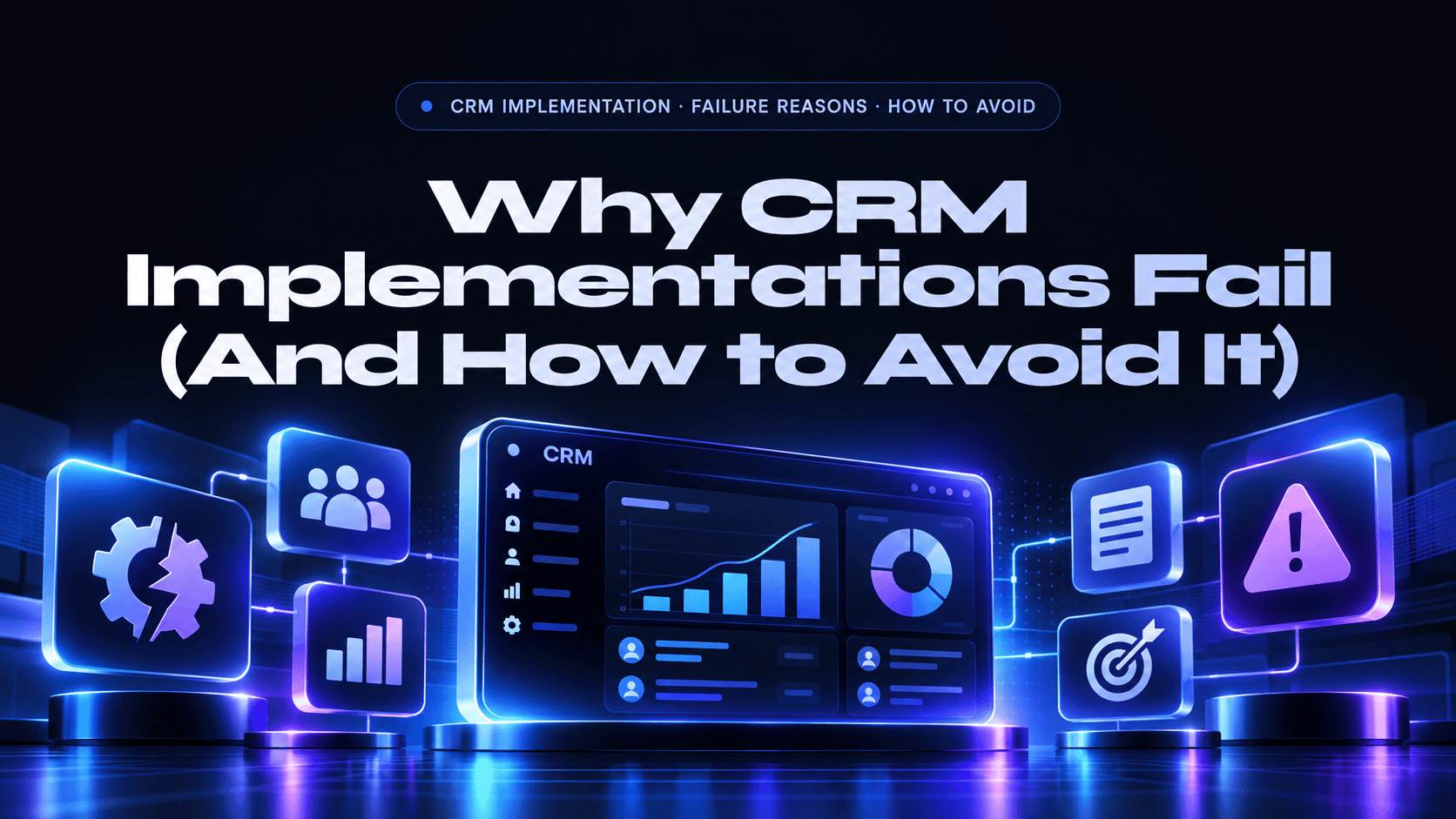
Why CRM Implementations Fail (And How to Avoid It)
Analyst estimates, including Gartner and Forrester, put CRM failure rates at 47-70%. The failure reasons are consistent and preventable: poor data quality, undefined processes, inadequate training, missing executive sponsorship, and over-customization. Here is the honest breakdown, and what actually works.
47-70%
CRM implementation failure rate (Gartner, Forrester estimates)
#1
Reason: undefined business processes before implementation
15-20%
Share of implementation budget to set aside for user training
7
Common failure reasons covered here, each with a fix
The CRM Failure Rate Nobody Wants to Acknowledge
CRM implementations have a documented failure rate of 47 to 70% depending on how failure is defined (estimates from Gartner and Forrester). That range covers everything from complete project abandonment to implementations that go live but fail to deliver the business outcomes that justified the investment, low adoption, continued manual processes alongside the CRM, degraded data quality, and inability to report on pipeline or customer health.
The consistent finding across post-implementation reviews is that CRM failures are not technology failures. The technology, Dynamics 365, Salesforce, HubSpot, or any other major CRM, functions as designed. The failures are implementation failures: organizational, process, and change management problems that the technology cannot solve and that no amount of customization or feature selection can compensate for.
The 7 Most Common CRM Failure Reasons
1. Undefined Business Processes Before Implementation
The single most common cause of CRM failure. Organizations launch a CRM implementation before defining their sales process, lead qualification criteria, pipeline stages, handoff rules between sales and marketing, or service escalation workflows. The CRM is then configured to replicate whatever people happen to be doing rather than what they should be doing, and the result is a CRM that digitizes chaos rather than enabling order. Fix: Document and agree on your core processes before implementation begins. A CRM consultant who starts configuring before they understand your process is a red flag.
2. Insufficient Executive Sponsorship
CRM adoption requires behavioral change across an entire sales, service, or operations team. Behavioral change at scale requires visible, persistent leadership from the executive level, not just a kick-off email. When executives don’t use the CRM themselves, don’t reference CRM data in meetings, and don’t hold teams accountable for CRM hygiene, the implicit message is that the CRM is optional. Fix: Identify a named executive sponsor before project start. That sponsor must use the CRM in their own workflow, pull reports from the CRM in reviews, and hold pipeline conversations using CRM data.
3. Poor Data Quality Migration
Migrating years of dirty data (our Salesforce to Dynamics 365 migration checklist covers the cleanup steps), duplicates, stale records, inconsistent field values, unmapped fields, from the previous system into the new CRM imports the data management debt into the new platform. Within weeks of go-live, reps are navigating duplicate contacts, outdated accounts, and missing history. They lose trust in the data, stop updating it, and the data quality spiral continues. Fix: Deduplicate, cleanse, and standardize data before migration. Decide what historical data to migrate versus archive. A clean start with summarized historical balances outperforms a full messy data migration in almost every case.
4. Over-Customization
Every CRM has a standard data model and workflow engine designed around sales and service best practices. Organizations that customize every field, build complex automation for every edge case, and recreate their entire previous system’s quirks inside the new CRM create a brittle, hard-to-maintain implementation that breaks with every platform update. Fix: Start with the standard functionality. Add customization only when standard functionality genuinely cannot meet a business requirement. The question is never “can we customize this?”, it’s “should we customize this, or should we change our process?”
5. Inadequate User Training
A CRM implementation that spends $200,000 on configuration and $5,000 on training is investing in the wrong ratio. User adoption is the single largest variable in CRM ROI. A well-configured CRM with 40% adoption delivers less value than a simpler CRM with 90% adoption. Fix: Budget 15 to 20% of implementation cost for training. Deliver role-based training (not one-size-fits-all), cover daily workflows not just features, and provide a post-go-live training refresher at 60 to 90 days when users have real questions from real experience.
6. No Clear Ownership of CRM Data Quality Post-Go-Live
CRM data quality degrades predictably without active stewardship. Someone must own the weekly audit of duplicate records, the quarterly review of stale accounts, the enforcement of required fields, and the correction of data that doesn’t meet quality standards. In most failed CRMs, this ownership is “everyone’s responsibility,” which means no one’s responsibility. Fix: Assign a CRM data steward role (dedicated or part-time) with specific responsibilities and authority to enforce data standards.
7. Measuring the Wrong Success Metrics
Projects measured on “go-live date” rather than “business outcomes achieved” are set up for the wrong kind of success. A CRM can go live on schedule and on budget while still failing to improve pipeline visibility, reduce sales cycle length, improve conversion rates, or increase customer retention. Fix: Define business outcome metrics before implementation: pipeline visibility (% of pipeline in CRM at any given time), data completeness (% of opportunity fields populated), adoption rate (% of sales team logging activities in CRM), and ultimately: sales cycle length, win rate, and revenue generated from CRM-tracked pipeline.
What Actually Makes CRM Implementations Succeed
- Process-first thinking: Document and agree on the business process before any configuration starts. The CRM should enforce a defined process, not record whatever people happen to do.
- Phased implementation: Go live with core functionality first, pipeline management, contact records, basic reporting. Add automation, integrations, and advanced features in subsequent phases after the team has adopted the core.
- Honest scoping: A partner that tells you every requirement is achievable on time and on budget is not giving you honest advice. Prioritize ruthlessly. Trade scope for adoption.
- Change management budget: Budget for communications, training, a super-user network, and a post-go-live support window. CRM implementation is a change management project that happens to involve technology.
- Executive accountability: The executive sponsor must own the CRM adoption outcome, not just the go-live milestone.
CRM Implementation Failure, FAQs
Common questions about why CRM projects fail and how to prevent it.
Why do CRM implementations fail?
CRM implementations fail mainly for organizational reasons, not technical ones: undefined business processes, weak executive sponsorship, poor data migration, over-customization, inadequate training, no data ownership after go-live, and measuring go-live instead of business outcomes. Platforms such as Dynamics 365, Salesforce, and HubSpot work as designed, so the fix is process-first planning, phased delivery, and a real change management budget.
What is the CRM implementation failure rate?
Analyst estimates, including Gartner and Forrester, put CRM implementation failure rates at 47 to 70%, depending on how failure is defined. Failure includes complete project abandonment, go-live implementations with low adoption (under 50% of intended users actively using the system 90 days post-launch), and implementations that deliver go-live but don’t achieve the business outcomes (improved pipeline visibility, reduced manual work, better reporting) that justified the investment. The rate has not improved significantly despite CRM platforms becoming more user-friendly, because most failures are organizational, not technical.
What is the number one reason CRM implementations fail?
Undefined business processes before implementation. Organizations launch CRM configuration before agreeing on their sales process, lead qualification criteria, pipeline stage definitions, and handoff rules. The result is a CRM that digitizes existing chaos rather than enabling better process. Every other failure reason (poor adoption, data quality issues, low exec sponsorship) is downstream of this root cause, a CRM built on an undefined process will never generate the data or workflow discipline to deliver business value, regardless of how good the platform is.
How do you ensure CRM user adoption?
Five adoption drivers: (1) Executive role-modeling, executives must use the CRM in their own workflow and reference CRM data in every pipeline review. (2) Role-based training focused on daily workflows, not features, train reps on how to do their job in the CRM, not how to use the CRM’s features. (3) Simplicity, a CRM with fewer required fields, simpler forms, and focused workflow beats a complex one that reps avoid. (4) Accountability, measure and report adoption metrics (login rate, opportunity update rate, activity logging rate) and hold managers responsible for their teams’ adoption. (5) Value demonstration, show reps how the CRM helps them close more deals; adoption follows perceived value, not mandate.
How long should a CRM implementation take?
A realistic timeline depends on scope and complexity. D365 Sales or HubSpot Sales Hub for a 20 to 50 person team: 8 to 12 weeks for a focused Phase 1 implementation (core CRM, data migration, training). Adding marketing integration, customer service, and advanced automation: 16 to 24 weeks. Multi-module enterprise implementations: 6 to 12 months. The most common timeline failure: artificial compression. Cutting a 12-week implementation to 6 weeks creates technical debt, skips testing, and produces the adoption problems that kill CRM ROI. Build realistic timelines and hold them.
How do I know if my CRM implementation has failed?
Key failure signals: reps maintaining shadow systems (spreadsheets, personal notes) alongside the CRM; less than 60% of the team logging activities in the CRM 90 days after go-live; pipeline reports that don’t match reality or aren’t trusted by sales leadership; data quality so poor that management can’t run reports; the CRM used for reporting only (data entered retroactively to satisfy reporting requirements rather than to manage the sales process). If any three of these are true, your CRM implementation needs a formal assessment before adding more features or customization.
Which CRM fails most often: Dynamics 365, Salesforce, or HubSpot?
No platform fails more than the others on its own. Failure rates track implementation quality, not the logo on the software: the same seven causes show up on Dynamics 365, Salesforce, and HubSpot projects. Choosing a partner with a proven, process-first method matters more than the platform choice. Our guide to the top CRM development companies compares partners across platforms.
How much should I budget for CRM user training?
Budget 15 to 20% of the total implementation cost for training and change management. Use role-based sessions, focus on daily workflows rather than feature tours, and schedule a refresher 60 to 90 days after go-live, when users have real questions from real use.
What is the best way to avoid CRM implementation failure?
Document your business process before any configuration, name an executive sponsor who uses the CRM daily, clean and deduplicate data before migrating, start with standard functionality, assign a CRM data steward, and measure business outcomes such as pipeline visibility, adoption rate, and sales cycle length. Phasing the rollout so the team adopts the core features first lowers risk further.
Who are the best CRM implementation partners in the USA?
Look for a partner with documented outcomes on your platform, an honest scoping process, and change management support. Our ranked guides to the top CRM development companies and the top Microsoft Dynamics 365 companies list verified options, and A2Z Dev Center delivers Dynamics 365 and HubSpot implementations with a process-first approach.
Planning a CRM Implementation? Let’s Get It Right.
A2Z Dev Center provides CRM implementation for Dynamics 365 and HubSpot, with honest scoping, process-first configuration, and change management support. We’ll tell you what will actually drive adoption, not just what’s technically possible.
Get Free Consultation →
Schedule a call
Talk to a subject-matter expert
Web development, SEO, or digital marketing — tell us about your project and we'll get back within one business day. No obligation.
- Free scope & strategy session
- A senior specialist, not a sales rep
- Your details stay confidential