
Wordpress
Summarize this blog post with:
Website Builder Comparison · CMS · 2026
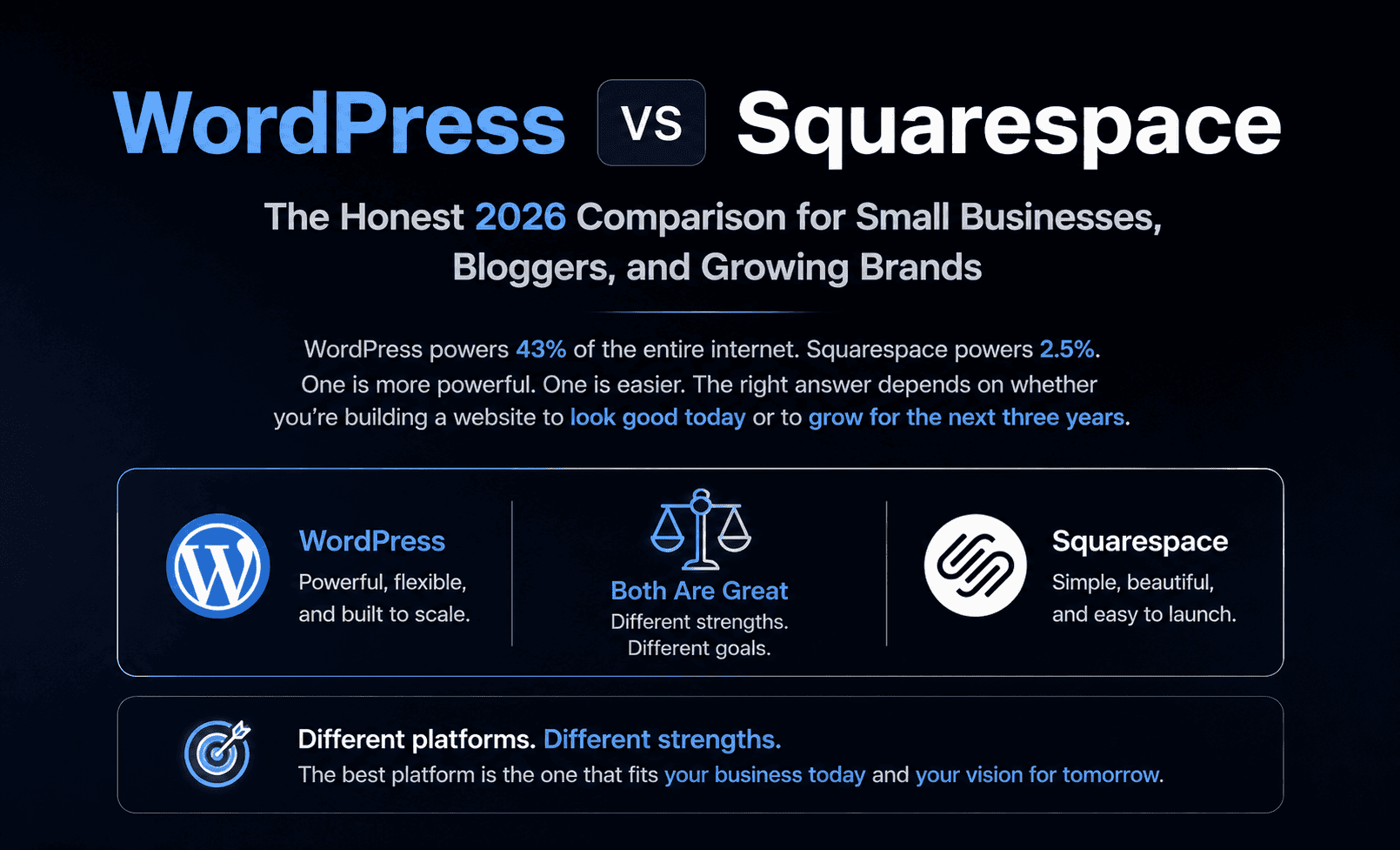
WordPress
VS
Squarespace
The Honest Comparison for Small Businesses, Bloggers, and Growing Brands
WordPress powers 43% of the entire internet. Squarespace powers 2.5%. One is more powerful. One is easier. The right answer depends on whether you’re building a website to look good today or to grow for the next three years.
The One Question That Decides Everything
Is your website a destination or a growth engine?
If your website is a destination, a place people go to learn about your business, see your portfolio, or book an appointment, Squarespace is a genuinely excellent choice. Beautiful by default, managed entirely, live in hours. The all-in-one model means you never configure hosting, manage security patches, or troubleshoot plugin conflicts.
If your website is a growth engine, where content marketing drives organic traffic, SEO converts visitors to customers, eCommerce scales with WooCommerce, and integrations with CRM, email, and analytics form a connected revenue system, WordPress is the right platform. It has 43% market share for a reason. The plugin ecosystem, content tools, and SEO depth that power that share don\u2019t exist on Squarespace.
The expensive mistake is choosing based on which is easier today without considering which supports where you want to be in 24 months.
43%
WordPress share of all websites globally
2.5%
Squarespace global website market share
59,000+
WordPress plugins vs ~40 Squarespace extensions
195
Squarespace templates (vs thousands for WordPress)
40–50
Squarespace Lighthouse score vs 85–99 optimized WordPress
1,000/day
Estimated new Squarespace signups
30-Second Platform Summary
🔵 WordPress, In 30 Seconds
WordPress is a free, open-source CMS installed on your own hosting. You own 100% of the code, database, and data. The 59,000+ plugin ecosystem extends it into anything: blogs, eCommerce (WooCommerce), memberships, directories, learning management systems, and enterprise platforms. WordPress is the world’s best blogging and content platform, Gutenberg editor, custom post types, full URL control, and the content-commerce integration that drives organic product discovery. Yoast SEO and Rank Math provide granular technical SEO control with 20+ schema types. For development agencies like A2Z Dev Center, WordPress is the platform that enables the most flexible integration with HubSpot CRM, WooCommerce, and headless Next.js frontends. Trade-off: you manage hosting, security patches, and plugin updates. For businesses without a technical resource, this maintenance overhead is the primary friction point.
⬛ Squarespace, In 30 Seconds
Squarespace is a fully managed, all-in-one website builder, hosting, security (SSL, WAF, DDoS protection), domain, and templates in one subscription. Pick a template, customize in the visual editor, publish. No hosting configuration, no plugin management, no security patches. Squarespace’s 195 templates are arguably the most visually polished in the website builder category, Shutterstock, Skyscanner, and Sciencemag run on Squarespace. 2026 AI tools native in the editor: AI Writer (generate copy from any text block), auto-generated product libraries, and hyperreal AI photo environments for product listings. Acuity Scheduling (from $16/month extra) adds appointment booking. Trade-off: ~40 extensions vs 59,000+ WordPress plugins; no third-party SEO plugins; Lighthouse scores 40–50; limited eCommerce depth vs WooCommerce.
Squarespace’s 2026 AI Tools, The Feature Most Comparisons Miss
🤖 Squarespace Native AI, What’s Built Into the Editor in 2026
AI Writer: Click any text block in the Squarespace editor and a native AI assistant generates copy, rewrites existing content, or adjusts tone, all within the editor without switching to an external tool. For small business owners without copywriting resources, this is genuinely useful. Auto-generated product libraries: For eCommerce sellers, Squarespace AI auto-generates product descriptions, categorization, and tags from product images and basic inputs, reducing catalog management time for stores with large inventory. Hyperreal AI photo environments: AI-generated lifestyle and product photography backgrounds replace expensive studio photography for product listings. These are integrated native features, no setup, no API keys, no additional cost on Commerce plans. WordPress doesn’t match this seamless editor-integrated AI experience without third-party plugins (AI Engine, Bertha AI, or direct API connections to Claude or ChatGPT). For non-technical users who want AI assistance without setup complexity, Squarespace’s native AI is a meaningful 2026 advantage.
Real Total Cost: What Each Platform Actually Costs in 2026
Squarespace appears cheaper at face value. The comparison changes when you account for the full year’s operating cost, including the Acuity Scheduling add-on that many service businesses need, and the WordPress hosting quality that matches Squarespace’s managed experience.
🔵 WordPress, Annual Operating Cost
WordPress softwareFree
Budget managed hosting (Hostinger)$36–$120/yr
Premium managed hosting (Kinsta/WP Engine)$300–$600/yr
Domain name$15/yr
Premium theme (one-time, optional)$0–$79
Essential plugins (Yoast, WPForms, etc.)$0–$300/yr
Security (Wordfence Pro, optional)$120/yr
Total (budget self-managed)$51–$234/yr
Total (premium managed hosting)$435–$1,114/yr
⬛ Squarespace, Annual Operating Cost
Personal plan (1 contributor)$192/yr ($16/mo)
Business plan (contributors + JS)$276/yr ($23/mo)
Commerce Basic (eCommerce)$336/yr ($28/mo)
Commerce Advanced$624/yr ($52/mo)
Domain name (included 1st year)$20/yr after yr 1
Acuity Scheduling (appointments)$192–$588/yr extra
Email campaigns add-on$96–$240/yr extra
Total (Business plan, no add-ons)$296/yr
Total (Commerce + Acuity + Email)$1,008–$1,452/yr
The real cost comparison inverts at mid-complexity. A simple 5-page Squarespace Business site ($276/year) is genuinely cheaper than WordPress on premium managed hosting ($435+/year). But a Squarespace Commerce site with Acuity Scheduling and email campaigns ($1,000–$1,452/year) costs more than a well-configured WordPress site on premium hosting with free plugins covering the same functionality. The Squarespace model bundles features that feel “free” but are separated into paid add-ons at the level most growing businesses need them. Budget hosting WordPress ($51/year + free plugins) is by far the most affordable path, but introduces the maintenance overhead that makes Squarespace attractive in the first place.
Head-to-Head: 12 Key Decision Factors
| Factor | 🔵 WordPress | ⬛ Squarespace | Winner |
|---|---|---|---|
| Ease of Setup | Install on hosting, configure. 1–4 hours for basic site. | Sign up, pick template, publish. Live in 30–60 minutes. | Squarespace (significantly easier) |
| Design Quality | Thousands of themes. Quality varies. Best themes rival Squarespace. | 195 templates. Uniformly polished. Hard to build an ugly site. | Squarespace (by default) |
| Plugin / Extension Ecosystem | 59,000+ plugins. Any functionality imaginable available. | ~40 extensions. Mostly eCommerce. No equivalent to WordPress plugins. | WordPress (not close) |
| SEO Control | Yoast/Rank Math: granular meta, 20+ schema types, canonical, sitemaps, Search Console. | Basic meta, alt text, URL slugs, auto sitemaps. No third-party SEO plugins. | WordPress (significant advantage) |
| Page Speed / Lighthouse | 10–99 depending on setup. Optimized premium hosting: 85–99. | Consistently 40–50. No way to significantly optimize beyond Squarespace’s infrastructure. | WordPress (with proper setup) |
| Blogging / Content | World’s best blogging platform. Full CMS, custom types, unlimited content. | Good blogging tools for beginners. Less powerful for high-volume content. | WordPress |
| eCommerce | WooCommerce: most deployed eCommerce platform globally. Unlimited scale. | Built-in eCommerce (Commerce plans). Functional but limited vs WooCommerce depth. | WordPress / WooCommerce |
| AI Tools (Native, 2026) | No native AI. Requires plugins (AI Engine, etc.) or external tools. | AI Writer, product library AI, hyperreal photo environments, native in editor. | Squarespace (native, no setup) |
| Maintenance Overhead | Plugin updates, core updates, hosting security, backups, your responsibility. | Squarespace manages hosting, SSL, security, updates. Zero maintenance overhead. | Squarespace |
| Multilingual | WPML: unlimited languages for ~$99/year. | No native multilingual support. Workarounds only. | WordPress |
| HubSpot CRM Integration | Native HubSpot WordPress plugin, forms auto-submit to CRM in 5 minutes. | Requires Zapier connector or manual CSV export to CRM. | WordPress |
| Data Ownership | 100%, code, database, and all data on your hosting. | Squarespace owns the infrastructure. Export available but platform-dependent. | WordPress |
SEO: The Comparison That Matters Most for Growing Businesses
For businesses where organic search drives customer acquisition, content marketing, local SEO, product discovery from long-tail blog posts, the SEO comparison between WordPress and Squarespace is the decisive factor. The gap is larger than most comparison articles suggest.
🔵 WordPress SEO Depth (Yoast / Rank Math)
- Granular meta titles and descriptions, customizable per page, post, and custom post type with template variables
- 20+ schema markup types, Article, Product, FAQ, HowTo, LocalBusiness, BreadcrumbList, auto-generated based on content type
- Full canonical tag management, prevent duplicate content across paginated archives, tags, and categories
- Google Search Console integration, keyword data, coverage issues, and indexing status inside WordPress dashboard
- Complete URL structure control, design information architecture for topic clusters without platform path constraints
- Redirect manager, 301 redirect management within WordPress, no external tool needed
- Image SEO optimization, alt text, WebP conversion, lazy loading, responsive images via plugins
⬛ Squarespace SEO, What’s Available and What’s Missing
- Meta title and description: customizable per page (but Squarespace controls template defaults)
- Alt text for images: manually added in editor
- URL slugs: customizable but Squarespace enforces /blog/ and /products/ path structures
- Automatic XML sitemap: generated and submitted automatically
- Schema markup: basic Article and Product schema auto-generated, no custom schema types
- Missing: no third-party SEO plugins, no Search Console dashboard integration, no canonical customization, no redirect manager, no breadcrumb schema control
- Core Web Vitals: Lighthouse 40–50 consistently, a growing SEO disadvantage as Google’s page experience signals strengthen
The Lighthouse gap matters for SEO in 2026. Google’s Core Web Vitals signals reward pages that load fast, respond quickly, and minimize layout shifts. Squarespace’s consistent Lighthouse scores of 40–50 put its pages in the “needs improvement” range, a growing structural SEO disadvantage against WordPress sites on premium managed hosting achieving 85–99. For local service businesses where 5–10 pages compete in local search, this gap may be manageable. For content sites with 100+ pages competing for long-tail organic traffic, the compounding effect of lower Core Web Vitals scores and weaker schema markup is a material ranking disadvantage.
The Day You’ll Outgrow Squarespace, Specific Triggers
Squarespace is a capable platform for the right use case. The problem is that most small businesses start on Squarespace for simplicity and discover its limits exactly when business growth demands more. Migrating from Squarespace to WordPress after accumulating 200 blog posts, a product catalog, and customer email lists is a significant project. Knowing the outgrowth triggers before you start prevents this.
You need a plugin Squarespace doesn’t have
The most common trigger. With ~40 extensions vs 59,000 WordPress plugins, most specialized functionality (learning management, advanced membership, affiliate management, custom calculators) doesn’t exist in Squarespace’s ecosystem. No workaround available.
Your content archive passes 100+ pages
Squarespace’s Lighthouse 40–50 scores become a compounding SEO disadvantage at scale. More pages competing with lower Core Web Vitals against WordPress sites at 85–99. The gap compounds as content volume grows.
You need multilingual content
Squarespace has no native multilingual support. If your audience is multi-language or you’re expanding internationally, WordPress + WPML ($99/year for unlimited languages) is the only clean path. Squarespace workarounds are fragile.
eCommerce complexity grows
Squarespace Commerce is functional for simple product catalogs. The moment you need subscriptions, complex product configurations, wholesale B2B pricing, or WooCommerce’s depth of payment gateways and shipping rules, Squarespace hits its ceiling.
You need HubSpot or CRM integration
Squarespace’s CRM integration requires Zapier or manual export. WordPress’s native HubSpot plugin connects forms directly to CRM in 5 minutes. For businesses where lead capture and CRM nurture are core to revenue, WordPress’s native integration is a meaningful operational advantage.
You want to monetize beyond products
Affiliate marketing, display advertising, digital course platforms (MemberPress, LearnDash), and custom monetization models are either restricted or unavailable in Squarespace. WordPress has zero monetization restrictions.
WordPress + A2Z Dev Center: The Integrated Stack
A2Z Dev Center’s WordPress practice integrates website, eCommerce, CRM, and SEO from sprint 1, not as separate projects joined after launch.
🔵 A2Z WordPress Integrated Stack
- WordPress blog: Gutenberg-powered content marketing drives organic traffic, Yoast SEO optimizes every post for target keywords, internal links guide readers toward product or service pages
- WooCommerce: product catalog + checkout + order management on the same WordPress database as the blog, no API bridge between content and commerce
- HubSpot WordPress plugin: 5-minute setup, all WordPress forms auto-populate HubSpot CRM as contacts with source attribution, blog readers become CRM leads automatically
- Google Analytics 4 + Search Console: server-side GA4 tracks revenue attribution from first blog visit to closed sale
- Headless option: WordPress as CMS + Next.js 15 frontend via WPGraphQL, CDN-fast delivery with WordPress content management. A2Z’s premium architecture for performance-sensitive sites.
Use Case Decision Guide
Portfolio / Creative
Squarespace
Stunning templates, intuitive visual editor, live in hours. The platform Shutterstock and Skyscanner chose for brand presentation.
Service Business (Appointments)
Squarespace
Acuity Scheduling integrated, professional design, no technical maintenance. Clean path for coaches, consultants, salons, and therapists.
Content / Blog (SEO Growth)
WordPress
World’s best blogging platform + Yoast/Rank Math + full URL control. Squarespace’s SEO ceiling limits organic content growth at scale.
eCommerce Store
WordPress
WooCommerce: most deployed eCommerce platform globally. Subscriptions, B2B pricing, complex catalogs. Squarespace Commerce is functional but limited.
Local Business (5–10 pages)
Evaluate Both
Squarespace: faster setup, lower maintenance. WordPress: better SEO long-term and HubSpot CRM integration. Depends on growth ambition.
Startup / SaaS Marketing Site
WordPress
Content marketing + SEO drives SaaS growth. WordPress blog + WooCommerce for digital products + HubSpot CRM for lead nurture.
Membership / Online Courses
WordPress
MemberPress, LearnDash, Paid Memberships Pro, fully featured membership systems. Squarespace’s native membership features are limited.
Non-Profit / NGO
WordPress
Free platform, GiveWP for donations, membership capabilities, minimal cost. Budget-sensitive organizations benefit from WordPress’s $0 platform fee.
Multi-Language / International
WordPress
WPML handles unlimited languages for ~$99/year. Squarespace has no native multilingual support, this alone decides it for international sites.
Headless / High-Performance
WordPress + Next.js
WordPress as headless CMS (WPGraphQL) + Next.js 15 frontend = CDN-fast delivery with familiar content management. A2Z’s premium architecture.
When to Choose WordPress. When to Choose Squarespace.
🔵 Choose WordPress When
- Content marketing and SEO are primary growth channels
- eCommerce is required, WooCommerce is the better platform
- HubSpot CRM integration with lead capture is needed
- 59,000+ plugin ecosystem matters for specialized functionality
- Multilingual site is planned
- Membership, online courses, or subscription content is the model
- Long-term data ownership and no platform dependency is important
- Headless WordPress + Next.js for premium performance
- Monetization via ads, affiliates, or digital products is planned
⬛ Choose Squarespace When
- Design quality with zero technical effort is the priority
- Live in hours with no ongoing maintenance overhead
- Portfolio, personal brand, or creative showcase site
- Service business needing appointment booking (Acuity)
- AI Writer and native AI tools in the editor matter
- Small product catalog with simple eCommerce needs
- No technical team and no budget for developer support
- 5–15 page site where SEO depth is not the primary growth lever
Frequently Asked Questions
The questions small businesses and bloggers ask most when choosing between WordPress and Squarespace in 2026.
Not Sure Which Platform Is Right for Your Business?
A2Z Dev Center builds WordPress sites (WordPress + WooCommerce + HubSpot CRM + Yoast SEO, or headless WordPress + Next.js) and works with Squarespace for design-led portfolio and service businesses. No platform bias, we recommend based on your growth plan, content strategy, and technical resources. At $40–$80/hr, integrated web development + CRM + SEO from one team.
Schedule a call
Talk to a subject-matter expert
Web development, SEO, or digital marketing — tell us about your project and we'll get back within one business day. No obligation.
- Free scope & strategy session
- A senior specialist, not a sales rep
- Your details stay confidential