
AI
Summarize this blog post with:
Technical GEO · robots.txt · AI Crawlers
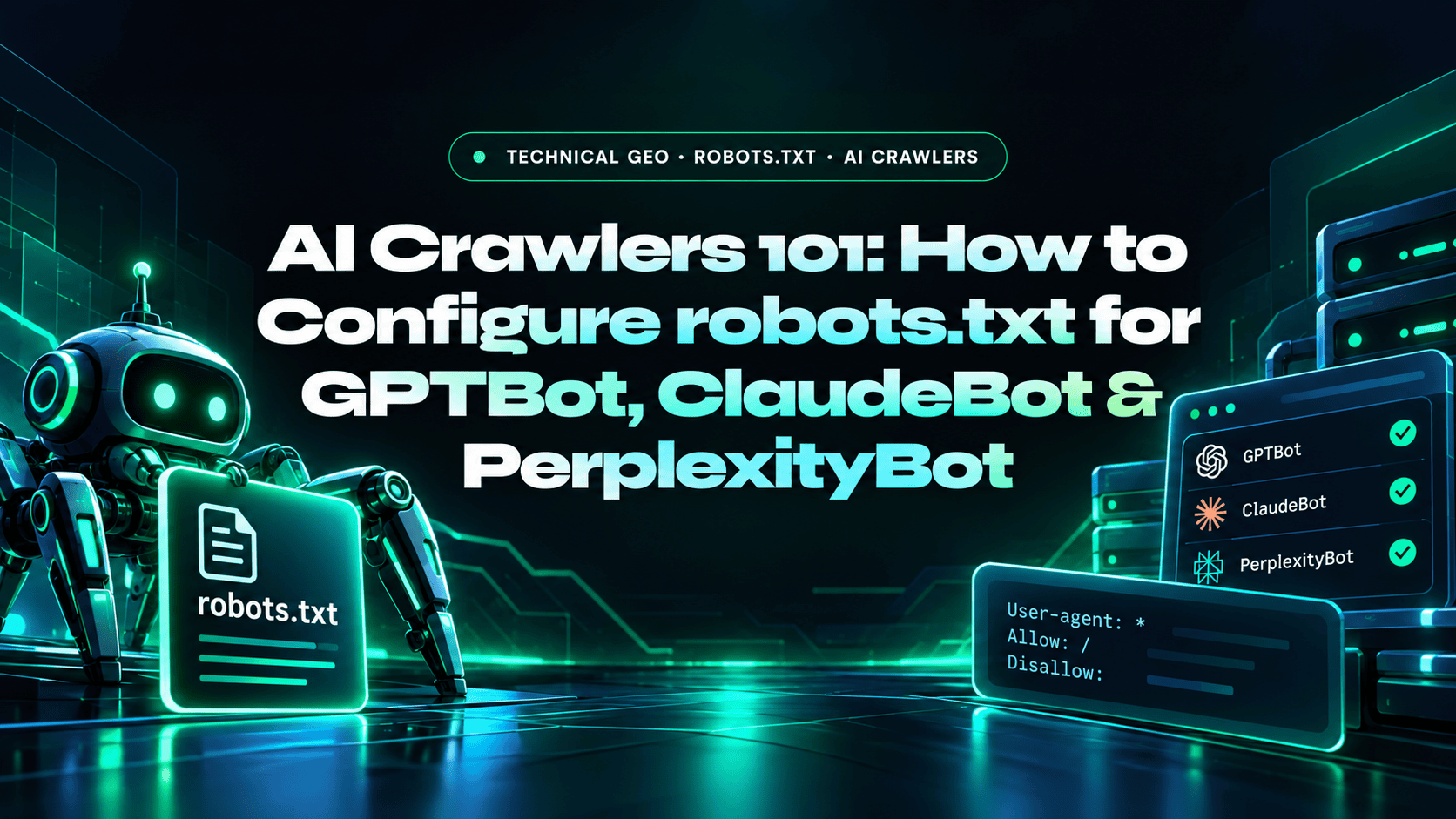
AI Crawlers 101: How to Configure robots.txt for GPTBot, ClaudeBot & PerplexityBot
AI crawlers use robots.txt to determine what they’re allowed to access. If you’re blocking them, even accidentally through a wildcard rule, you’re invisible to those AI search engines. Here is the exact configuration you need.
GPTBot
OpenAI training crawler (search uses OAI-SearchBot)
ClaudeBot
Anthropic training crawler (search uses Claude-SearchBot)
PerplexityBot
Perplexity AI search crawler
robots.txt
First file AI crawlers check before any page
Why robots.txt Matters for AI Search Visibility
Before any AI crawler reads a single page on your site, it checks your robots.txt file for permission. Each major provider documents its crawlers: see the official pages from OpenAI, Anthropic, Perplexity, and Google. If you block an AI crawler’s user agent, either explicitly or through a wildcard rule, that AI engine cannot access your content, cannot train on it, and cannot cite it. Blocked pages are far less likely to be retrieved or cited, regardless of how well your content is written or how strong your SEO is.
Many sites accidentally block AI crawlers through misconfigured User-agent: * rules that were set up for other purposes. A Disallow: / rule under User-agent: * blocks every crawler including every AI bot. Checking and explicitly configuring AI crawler access is one of the highest-ROI technical GEO actions available. Our technical SEO audit checklist covers the rest of the technical foundation, and our simple guide to generative engine optimization explains why it matters.
⚠️ Check This First
Test your current robots.txt at yourdomain.com/robots.txt. If you see User-agent: * followed by Disallow: /, you are blocking every crawler including GPTBot, ClaudeBot, and PerplexityBot. If you see specific Disallow rules covering your main content directories under the wildcard agent, AI crawlers are blocked from that content.
The Main AI Crawlers and Their User Agents
| AI Crawler | User Agent Name | Powers | What It Does |
|---|---|---|---|
| OpenAI / ChatGPT | OAI-SearchBot | ChatGPT search results | Indexes pages so they can appear in ChatGPT search answers; not used for model training |
| OpenAI / ChatGPT | GPTBot | OpenAI model training | Crawls content that may be used to train OpenAI’s generative AI models |
| OpenAI / ChatGPT | ChatGPT-User | User-initiated visits | Fetches a page when a user asks ChatGPT about it; robots.txt rules may not apply to user-initiated visits |
| Anthropic / Claude | ClaudeBot | Claude model training | Collects public web content that may contribute to Claude model training |
| Anthropic / Claude | Claude-SearchBot | Claude search quality | Navigates the web to improve the relevance and accuracy of Claude search results |
| Anthropic / Claude | Claude-User | User-initiated visits | Fetches pages when a user asks Claude a question |
| Perplexity AI | PerplexityBot | Perplexity search results | Surfaces and links your pages in Perplexity answers; not used to train AI foundation models |
| Perplexity AI | Perplexity-User | User-initiated visits | Fetches a page when a user asks; because a user requested it, it generally ignores robots.txt |
| Google AIO / Gemini | Googlebot | Google Search and AI Overviews | Standard Googlebot handles AI Overview content, so no separate bot is needed; blocking Googlebot removes you from Search too |
| Google Gemini | Google-Extended | Gemini training and grounding | A robots.txt token that controls use of your content for Gemini models; it does not affect Search inclusion or ranking |
| Bing / Copilot | Bingbot | Bing AI, Microsoft Copilot | Standard Bingbot handles Copilot content retrieval |
| Meta AI | FacebookBot, meta-externalagent | Meta AI assistant | Crawls for Meta AI knowledge base and response generation |
| Common Crawl | CCBot | Many LLM training datasets | Massive public web crawl used to train many open-source and commercial LLMs |
Exact robots.txt Configurations
Configuration 1: Allow All AI Crawlers (Recommended for Most Sites)
The default configuration if you want maximum AI search visibility. Simply do not block AI crawlers, and if you have a wildcard Disallow rule, explicitly allow AI bots:
📋 robots.txt, Allow All AI Crawlers
User-agent: *
Disallow: /wp-admin/
Disallow: /private/

# AI search and retrieval crawlers, explicitly allowed
User-agent: OAI-SearchBot
Allow: /

User-agent: Claude-SearchBot
Allow: /

User-agent: Claude-User
Allow: /

User-agent: PerplexityBot
Allow: /

# AI training crawlers, allowed
User-agent: GPTBot
Allow: /

User-agent: ClaudeBot
Allow: /

User-agent: CCBot
Allow: /

Sitemap: https://yourdomain.com/sitemap.xml
Configuration 2: Allow AI Search Crawlers, Block Training Crawlers
If you want your content cited in AI search but not used for model training, block the training crawlers and allow the search crawlers. OpenAI, Anthropic, and Perplexity each publish separate user agents for these purposes, so the settings are independent: blocking GPTBot does not remove you from ChatGPT search, which is controlled by OAI-SearchBot.
📋 robots.txt, Selective AI Access
# Block model training crawlers
User-agent: GPTBot
Disallow: /

User-agent: ClaudeBot
Disallow: /

User-agent: CCBot
Disallow: /

# Allow AI search and retrieval crawlers
User-agent: OAI-SearchBot
Allow: /

User-agent: Claude-SearchBot
Allow: /

User-agent: Claude-User
Allow: /

User-agent: PerplexityBot
Allow: /

Sitemap: https://yourdomain.com/sitemap.xml
Configuration 3: Block All AI Crawlers (Publishers with Licensing Concerns)
Publishers concerned about AI training on their proprietary content may choose to block all AI crawlers. This trades AI citation potential for content protection, a valid decision for paywalled content or proprietary databases:
📋 robots.txt, Block All AI Crawlers
User-agent: OAI-SearchBot
Disallow: /

User-agent: GPTBot
Disallow: /

User-agent: ChatGPT-User
Disallow: /

User-agent: ClaudeBot
Disallow: /

User-agent: Claude-SearchBot
Disallow: /

User-agent: Claude-User
Disallow: /

User-agent: PerplexityBot
Disallow: /

User-agent: CCBot
Disallow: /

User-agent: meta-externalagent
Disallow: /

# Standard search engines still allowed
User-agent: Googlebot
Allow: /

Sitemap: https://yourdomain.com/sitemap.xml
After robots.txt: What Else to Check
- Verify
X-Robots-TagHTTP headers don’t includenoindexornofollowfor AI-targeted pages - Check that
<meta name="robots" content="noindex">is not set on any content pages you want cited - Submit your sitemap in robots.txt (last line:
Sitemap: https://yourdomain.com/sitemap.xml) to help AI crawlers discover your content structure - Consider adding an
llms.txtfile at your domain root, a plain-text file that guides AI models about your site’s content, key pages, and permissions
AI Crawlers & robots.txt, FAQs
Technical questions about configuring crawler access for AI search engines.
Which AI crawlers should I allow in robots.txt?
To appear in AI answers, allow the search and retrieval crawlers: OAI-SearchBot for ChatGPT search, Claude-SearchBot and Claude-User for Claude, and PerplexityBot for Perplexity. Training crawlers such as GPTBot, ClaudeBot, and CCBot are a separate policy decision about whether your content may be used to train models. Review each provider’s documentation before you publish changes: OpenAI, Anthropic, and Perplexity.
What is GPTBot and should I allow it?
GPTBot is OpenAI’s crawler for collecting content that may be used to train its generative AI models. It is separate from OAI-SearchBot, which surfaces sites in ChatGPT search results, and ChatGPT-User, which fetches pages when a user asks ChatGPT about them (see OpenAI’s crawler documentation). Allow GPTBot if you are comfortable with training use and block it if you are not. To allow it explicitly, add User-agent: GPTBot / Allow: / to your robots.txt, or limit it to specific paths such as Allow: /blog/ and Disallow: /private/.
Does blocking GPTBot affect ChatGPT Search?
No. OpenAI documents each crawler setting as independent, and appearing in ChatGPT search is controlled by OAI-SearchBot, not GPTBot. You can disallow GPTBot to opt out of model training and still be cited in ChatGPT search by allowing OAI-SearchBot. Blocking OAI-SearchBot, on the other hand, keeps your pages out of ChatGPT search answers, although your domain can still appear as a navigational link.
What is ClaudeBot?
ClaudeBot is Anthropic’s crawler for collecting public web content that may contribute to model training. Anthropic also runs Claude-SearchBot, which improves the quality of Claude’s search results, and Claude-User, which fetches pages when a person asks Claude a question. Anthropic’s bots honor robots.txt, and ClaudeBot supports the Crawl-delay extension (see Anthropic’s crawler documentation). To allow it, add User-agent: ClaudeBot / Allow: /, or Disallow: / to block it.
Is there a robots.txt rule that blocks all AI crawlers at once?
No single user agent blocks all AI crawlers, so you must list each one explicitly. The main ones to include are OAI-SearchBot, GPTBot, and ChatGPT-User (OpenAI), ClaudeBot, Claude-SearchBot, and Claude-User (Anthropic), PerplexityBot and Perplexity-User (Perplexity), CCBot (Common Crawl), meta-externalagent (Meta AI), and Amazonbot (Amazon). A blanket User-agent: * with Disallow: / blocks everything, including Googlebot, which would remove your site from Google entirely. List AI crawlers individually instead, and remember that user-initiated agents may not follow robots.txt.
Does allowing AI crawlers improve my AI search visibility?
Allowing AI crawlers is a necessary but not sufficient condition for AI search visibility. If you block GPTBot, you cannot appear in ChatGPT Search, allowing it opens the door. But appearing in AI-generated answers also requires: server-side rendered HTML (CSR JavaScript sites are invisible even with crawler access), well-structured content with direct answers, topical authority, and third-party citation presence. robots.txt is the technical prerequisite; content quality and off-site presence determine citation likelihood.
Does robots.txt block Google AI Overviews?
AI Overviews use the same crawling as Google Search, so the Googlebot rules in robots.txt are the control: blocking Googlebot removes you from Search and AI Overviews. The separate Google-Extended token only controls whether your content is used for Gemini training and grounding, and it does not affect Search inclusion or ranking (see Google’s common crawlers documentation and AI features and your website).
Do ChatGPT-User and Perplexity-User follow robots.txt?
Not always. Both are user-initiated agents that fetch a page because a person asked about it, so OpenAI notes that robots.txt rules may not apply to ChatGPT-User, and Perplexity says Perplexity-User generally ignores robots.txt. If you need to restrict access to those fetches, use server-side controls such as authentication rather than relying on robots.txt alone.
Who can configure robots.txt and technical GEO for my site?
A2Z Dev Center audits crawler access, rendering, schema, and citation tracking as part of its web development services and SEO services, so AI search crawlers can reach and read your content.
Need a Technical GEO Setup for Your Site?
A2Z Dev Center builds AEO and GEO content strategies for B2B and eCommerce brands through our web app development services, AI visibility audits, content optimization, technical GEO setup, and ongoing citation tracking.
Get Technical GEO Audit →
Schedule a call
Talk to a subject-matter expert
Web development, SEO, or digital marketing — tell us about your project and we'll get back within one business day. No obligation.
- Free scope & strategy session
- A senior specialist, not a sales rep
- Your details stay confidential