Microsoft Dynamics
Summarize this blog post with:
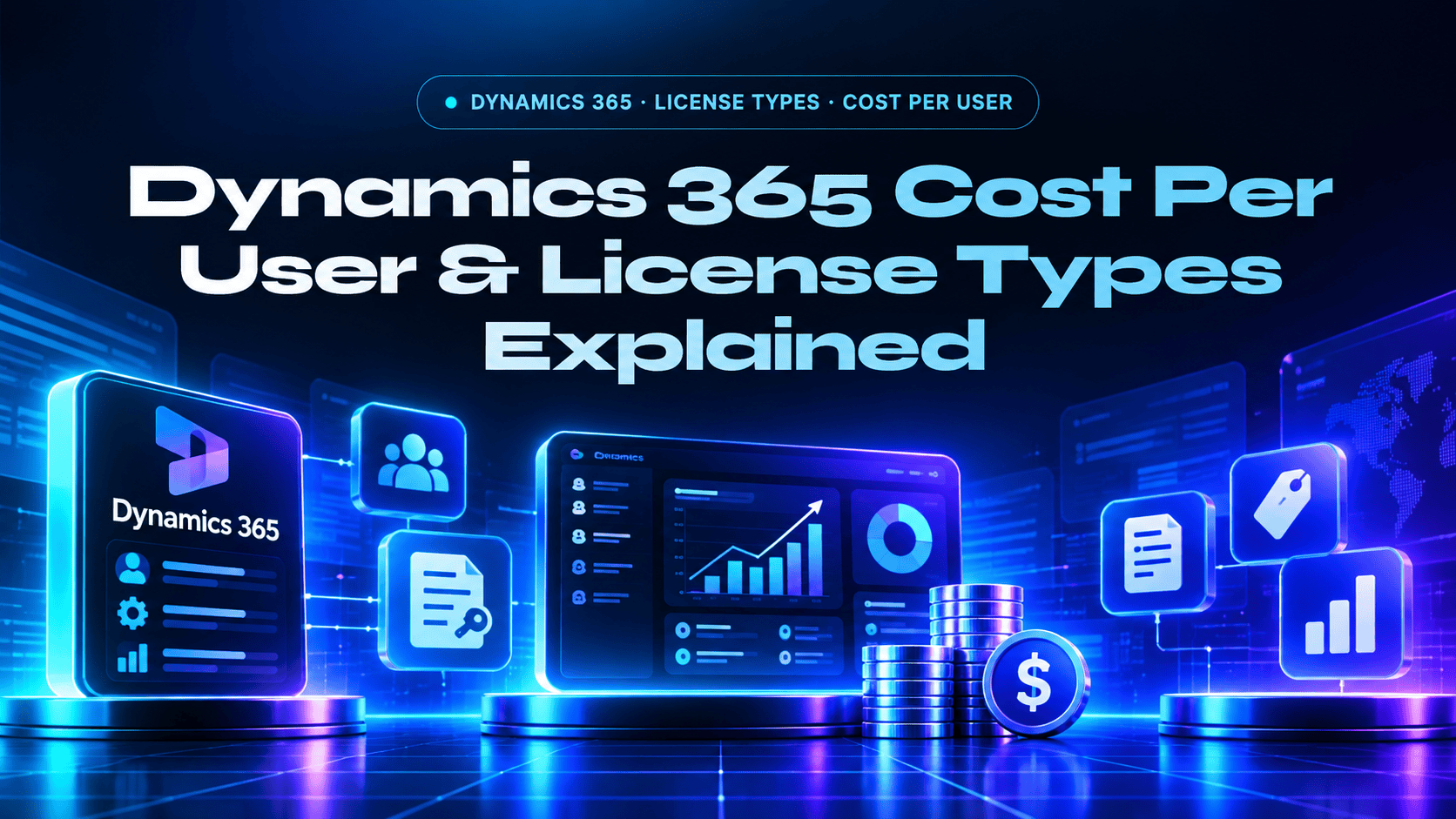
Dynamics 365 · License Types · Cost Per User
Dynamics 365 Cost Per User & License Types Explained
Dynamics 365 licensing is modular, you pay for the specific apps your users need, with attach pricing reducing the second app by 70-85%. Team Members at $8/user and full licenses from $50 to $210/user. Here is every license type explained clearly.
$8/mo
Team Members, read-only / light access
$50-$210
Full user license range per user per month
$20-$30/mo
Attach price for a second D365 app ($20 for Sales, Service, Field Service; $30 for Finance and Operations)
70-85%
Discount on second module via attach pricing
How Dynamics 365 Licensing Works
Dynamics 365 is a family of individual applications, not a single platform with one license type. Each application (Sales, Customer Service, Business Central, Finance, Supply Chain) is licensed separately, per user, per month. Users pay for the apps they need, not a platform-wide license that covers everything.
This modular model creates significant cost optimization opportunities: only license full users for the applications they actually use; use Team Members licenses for occasional or read-only access; use attach pricing to reduce the cost of a second application for users who need multiple modules. Prices below follow Microsoft’s published list prices for Sales, Customer Service, Finance, and Business Central, plus the Dynamics 365 licensing guidance.
Full License Types, All Applications
| Application | License Tier | $/User/Month | Key Capabilities |
|---|---|---|---|
| Sales | Professional | $65 | Core pipeline, contacts, opportunities, email integration, mobile |
| Sales | Enterprise | $105 | + Custom apps, full API access, advanced automation, AI insights |
| Sales | Premium | $150 | + Copilot AI (Teams summaries, Outlook drafts, predictive scoring) |
| Customer Service | Professional | $50 | Case management, knowledge base, SLA management, basic routing |
| Customer Service | Enterprise | $105 | + Omnichannel (chat, email, voice), AI routing, embedded analytics |
| Business Central | Essentials | $80 | Finance, supply chain, inventory, project management, CRM light |
| Business Central | Premium | $110 | + Manufacturing (BOMs, production orders) + Service management |
| Finance | Standard | $210 | Enterprise financial management, multi-entity, global compliance |
| Supply Chain Management | Standard | $210 | Advanced warehouse management, manufacturing, global operations |
| Field Service | Enterprise | $105 | Mobile workforce dispatching, work orders, IoT integration |
| Project Operations | Standard | $135 | Project-based businesses: resource management, billing, delivery |
| Marketing / Customer Insights | Per tenant | From $1,500/mo | Journey orchestration, AI segmentation, marketing automation |
| Team Members | Light / read-only | $8 | Read records, submit timesheets/expenses, basic task updates only |
Attach Pricing: The Most Impactful Cost Reduction Available
When a user already holds a Dynamics 365 “qualifying base” license, additional Dynamics 365 applications are available at the attach price of $20/user/month for Sales Enterprise, Customer Service Enterprise, and Field Service ($30/user/month for Finance, Supply Chain Management, and Project Operations), regardless of the application’s base price. This represents a 70 to 85% discount on the second application.
| Base License | Second App (Base Price) | Attach Price | Monthly Savings per User |
|---|---|---|---|
| Sales Enterprise ($105) | Customer Service Enterprise ($105) | $20 | $85/user/month savings |
| Business Central Premium ($110) | Sales Enterprise ($105) | $20 | $85/user/month savings |
| Finance ($210) | Supply Chain Management ($210) | $30 | $180/user/month savings |
| Customer Service Enterprise ($105) | Field Service ($105) | $20 | $85/user/month savings |
For a 100-user organization that needs both Sales Enterprise and Customer Service Enterprise without attach pricing: 100 × ($105 + $105) = $21,000/month. With attach pricing: 100 × ($105 + $20) = $12,500/month. Annual savings: $102,000. Always model attach pricing when users need more than one Dynamics 365 application.
Team Members License: What It Can and Cannot Do
The Team Members license ($8/user/month) is the most misunderstood license type in Dynamics 365. It provides read access to Dynamics 365 data and a specific set of light write capabilities, but it is not a discounted full license. Assigning Team Members licenses to users who need full operational access creates compliance issues with Microsoft’s licensing terms.
Team Members CAN: Read all Dynamics 365 data. Update their own records (contacts they own, tasks they’re assigned). Submit timesheets and expense reports. Update service tasks and cases they’re assigned. Run reports and dashboards.
Team Members CANNOT: Create new leads, accounts, or opportunities. Manage a sales pipeline. Update records they don’t own. Access the full Dynamics 365 interface. Perform any operational CRM or ERP function that modifies business records at scale.
Device Licenses: When Per-Device Makes More Sense
For manufacturing floors, retail points of sale, and warehouse environments where multiple employees share a single device (a shared terminal, a barcode scanner station), per-device licensing can be more cost-effective than per-user. Device licenses for specific Dynamics 365 applications allow unlimited users on a single registered device. Contact Microsoft licensing or your partner for current per-device pricing, it varies by application and is negotiable under Enterprise Agreements.
Dynamics 365 License Types, FAQs
Common licensing questions from organizations evaluating or expanding Dynamics 365.
How much does Dynamics 365 cost per user per month?
Dynamics 365 is priced per app, per user, per month. Team Members is $8, Customer Service Professional is $50, Sales Professional is $65, Business Central Essentials is $80, Sales Enterprise and Customer Service Enterprise are $105 each, Sales Premium is $150, and Finance and Supply Chain Management are $210 each. A second app for the same user costs $20 or $30 with attach pricing. See Microsoft’s current list prices and our Dynamics 365 services.
What is the cheapest Dynamics 365 license?
Team Members at $8/user/month is the lowest-price Dynamics 365 license. It provides read access to all Dynamics 365 data plus limited write access (your own records, timesheets, expenses). Customer Service Professional at $50/user/month is the cheapest full operational license for CRM functionality. D365 Sales Professional at $65/user/month is the entry point for full sales pipeline management. Business Central Essentials at $80/user/month is the entry point for full ERP functionality covering finance, supply chain, and inventory.
What is attach pricing in Dynamics 365?
Attach pricing reduces the cost of a second Dynamics 365 application for users who already hold a qualifying base license: $20/user/month for Sales Enterprise, Customer Service Enterprise, and Field Service, and $30/user/month for Finance, Supply Chain Management, and Project Operations. That is roughly a 70 to 85% discount. Example: a user with Sales Enterprise ($105) who also needs Customer Service Enterprise ($105 base) pays $105 + $20 = $125 total, saving $85/user/month on the second app. For 100 users needing two apps, attach pricing saves $102,000/year versus paying full price for both. Always model attach pricing for multi-module users before signing.
What is the difference between D365 Sales Professional and Enterprise?
D365 Sales Professional ($65/user/month): core CRM, pipeline management, contacts, opportunities, email integration, mobile, standard reporting. Best for straightforward sales teams that don’t need deep customization. D365 Sales Enterprise ($105/user/month): everything in Professional plus custom apps (Power Apps), full Dataverse API access, advanced automation (Power Automate without connector limits), embedded custom dashboards, sequence automation for sales teams. Sales Premium ($150): adds full Copilot AI, Teams meeting summaries auto-populating CRM, Outlook email drafts from CRM history, Sales Qualification Agent, predictive lead and opportunity scoring.
Should I license all users on full licenses or use Team Members for some?
Use full licenses only for users who perform operational tasks that require creating or modifying business records at scale (sales reps, service agents, finance users, warehouse staff). Use Team Members licenses for: executives who need to read dashboards and reports; HR staff who only submit expense reports; occasional users who need data visibility without operational access. Microsoft audits Dynamics 365 license compliance, assigning Team Members licenses to users who perform full operational tasks is a licensing violation with financial penalties. When in doubt, discuss with your Microsoft partner before assigning licenses.
Can I mix Dynamics 365 apps on one tenant for different user groups?
Yes, this is the standard deployment model. A single Dynamics 365 tenant can have: 50 users on Business Central Essentials (finance and operations team), 25 users on D365 Sales Enterprise (sales team), 10 users on Customer Service Professional (support team), and 200 users on Team Members (read-only for the rest of the company). Each user group is licensed for the applications they need. Reporting and integration across applications is handled through Dataverse, which is the shared data layer across all Dynamics 365 applications.
Is Dynamics 365 cheaper than Salesforce per user?
At list price, Dynamics 365 Sales Enterprise ($105/user/month) costs less than Salesforce Core ($195/user/month), and attach pricing widens the gap for users who need two apps. Total cost also depends on implementation, integrations, and training, so compare the full picture. Our Salesforce to Dynamics 365 migration checklist walks through the cost and effort side by side.
Who are the best Dynamics 365 partners in the USA?
Look for a partner with documented outcomes on the apps you need and honest licensing guidance. Our ranked guide to the top Microsoft Dynamics 365 companies in the USA lists verified options, and A2Z Dev Center helps model licensing, attach pricing, and right-sizing between full licenses and Team Members.
Need Help Designing Your Dynamics 365 License Architecture?
A2Z Dev Center helps organizations model Dynamics 365 licensing, including attach pricing optimization, user role mapping, and right-sizing between full licenses and Team Members. Honest guidance with no Microsoft licensing incentive.
Get Free Consultation →
Schedule a call
Talk to a subject-matter expert
Web development, SEO, or digital marketing — tell us about your project and we'll get back within one business day. No obligation.
- Free scope & strategy session
- A senior specialist, not a sales rep
- Your details stay confidential